How to clone a snippet in HubSpot
Here is how to clone a snippet in hubspot
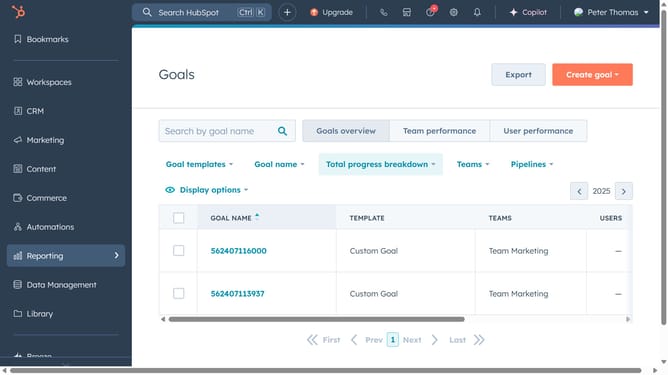
- First click on the "Library" icon in the left sidebar menu
- Then click on "Snippets" in the library submenu
- Hover over the snippet you want to clone and click the "Actions" dropdown menu
- Select "Clone" from the Actions dropdown menu
- Enter a name for the cloned snippet
- Click on the folder dropdown menu
- Select a folder from the folder selection dropdown
- In the Shortcut field, enter a new name for the snippet shortcut
- Finally click the "Save" button to create the cloned snippet
Why should you clone a snippet in HubSpot
HubSpot is a powerful all-in-one marketing platform that streamlines business growth through efficient tools.
Cloning a snippet in HubSpot is a feature that enhances productivity by enabling users to effortlessly duplicate existing content blocks. This functionality allows users to recreate complex or frequently used snippets without starting from scratch.
By leveraging this feature, teams can maintain consistency across their communications, save time, and reduce errors, ultimately ensuring a more streamlined and efficient content management process.
Last update