How to create a goal from a template in HubSpot
Here is how to create a goal from a template in hubspot
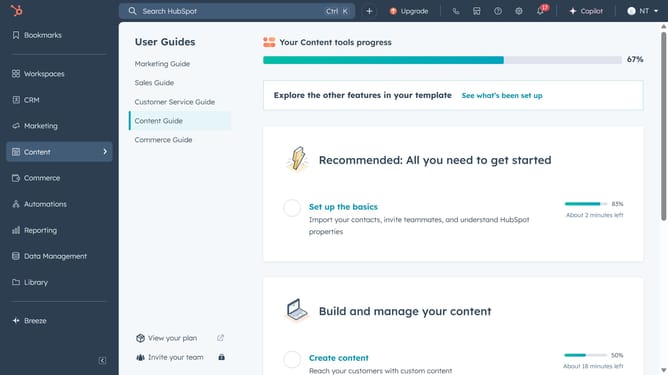
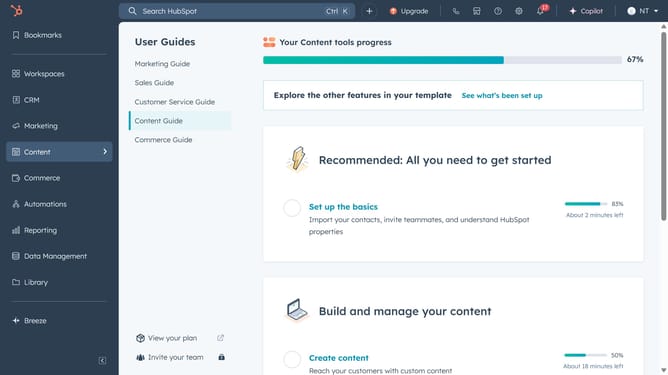
- First, click on the "Reporting" icon in the left sidebar
- Then click on the "Goals" menu item in the left sidebar
- Next, click on the "Create goal" button in the top right corner
- Click on the "Create from template" option in the dropdown menu
- Now click on the "Create new template" button in the top right corner
- Enter the below information for your goal template
- Click "Save template and exit " to save your template in the My Templates section of the template library
- Or click on the "Save and set goal using this template" button at the bottom of the form
Why should you create a goal from a template in HubSpot
HubSpot is a versatile platform designed to enhance marketing, sales, and customer service efforts.
Creating a goal from a template in HubSpot simplifies the process of tracking progress and hitting targets. This feature allows businesses to set their objectives quickly by utilizing predefined templates, streamlining the planning phase significantly.
By using templates, teams can ensure alignment on strategic goals, making it easier to respond to market changes. Utilizing HubSpot's goal-setting capabilities promotes clarity, efficiency, and strategic growth within organizations.
Last update