How to edit contacts in Hubspot
Here is how to edit contacts in hubspot
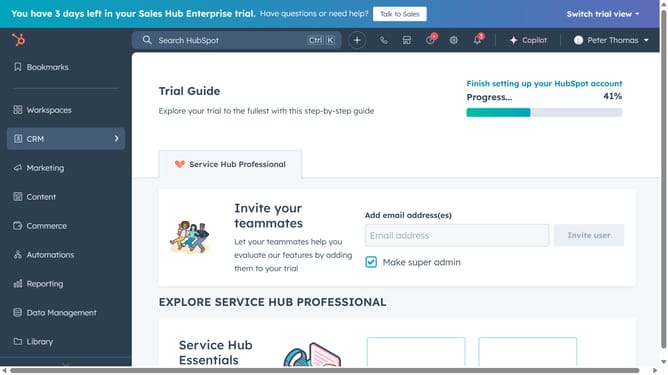
- First hover your mouse on the "CRM" menu item in the left sidebar
- Then click on the "Contacts" option in the CRM dropdown menu
- Next click on the contact name link that you want to edit in the contacts table
- Edit the category details (e.g., Email)
- Click "Add email" to add the information
- Enter the contact email
- Next click "Save"
Why should you edit contacts in Hubspot
HubSpot is a versatile platform designed to seamlessly enhance marketing, sales, and service functions.
The ability to edit contacts in HubSpot is a vital feature that empowers users to maintain up-to-date and personalized contact information. This ensures communication is efficient and relevant, fostering better relationships with clients and leads.
Keeping contact details current and correct is essential for accurate reporting and targeting. It facilitates actionable insights and strategic decision-making, ultimately leading to higher productivity and success.
Last update