How to automate emails in HubSpot?
Here is how to automate emails in hubspot
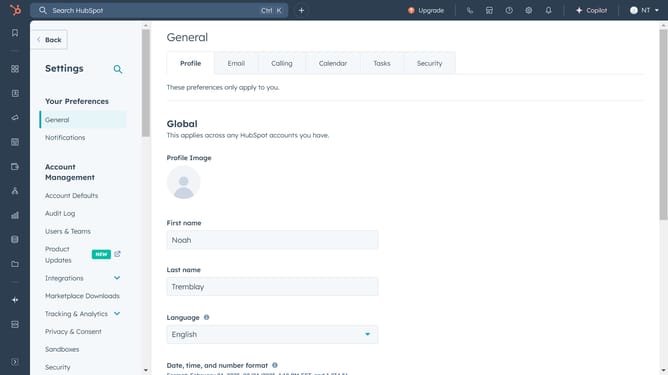
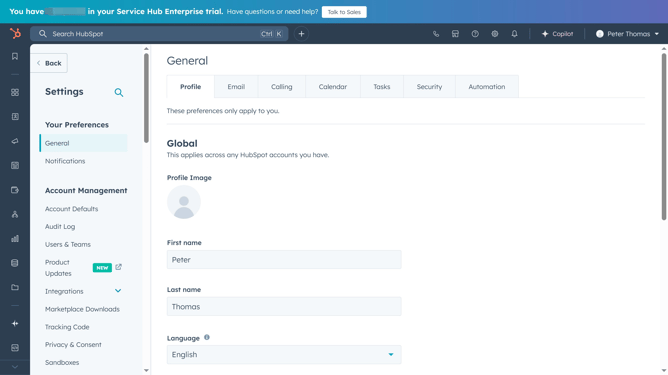
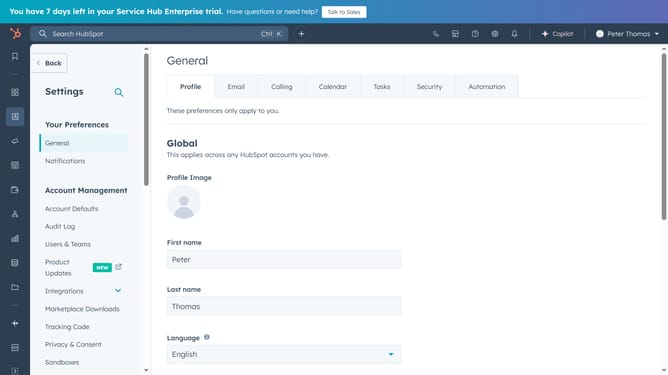
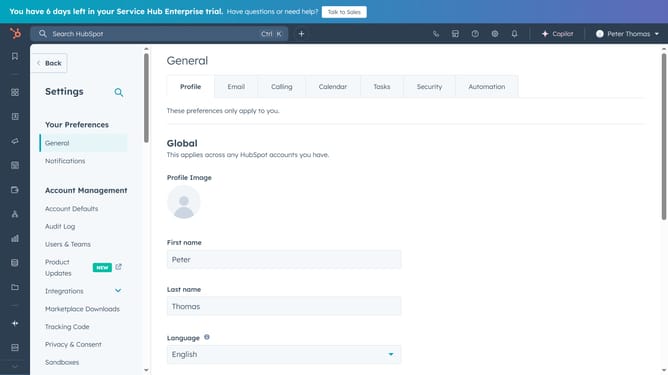
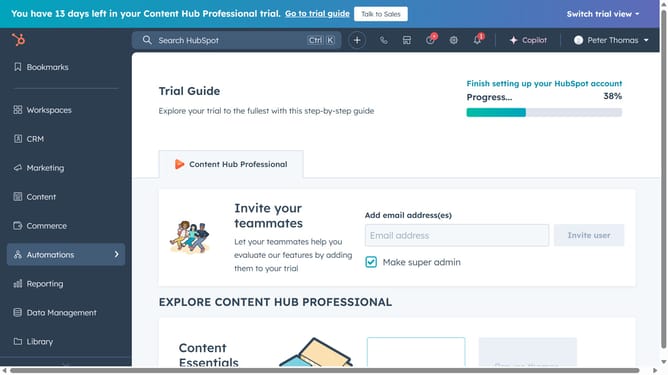
- First, navigate to HubSpot Emails and open the "Automation" tab
- Then click "Create a new workflow"
- Choose a trigger to start the automation sequence
- Next, click the "+" sign to add actions
- Follow the instructions to set up the automated email
- Once everything is ready, click "Review and Send"
Why should you automate emails in HubSpot?
HubSpot is a leading platform designed to enhance customer relationship management and digital marketing efficiency.
Automating emails in HubSpot streamlines your marketing efforts by enabling scheduled, personalized communications.
This feature saves time, reduces manual workload, and helps maintain consistent engagement with your audience.
Businesses can focus on strategic tasks while ensuring timely and relevant interactions with their customers, which is essential for building lasting relationships.
Last update