How to edit an unsubscribe link message in Hubspot
Here is how to edit an unsubscribe link message in hubspot
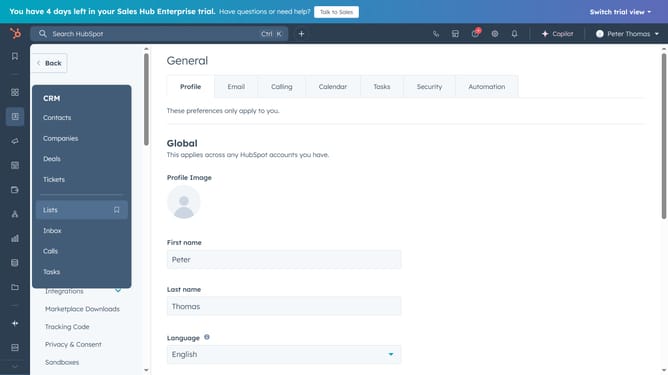
- First click on the account name dropdown menu in the top right corner of the header
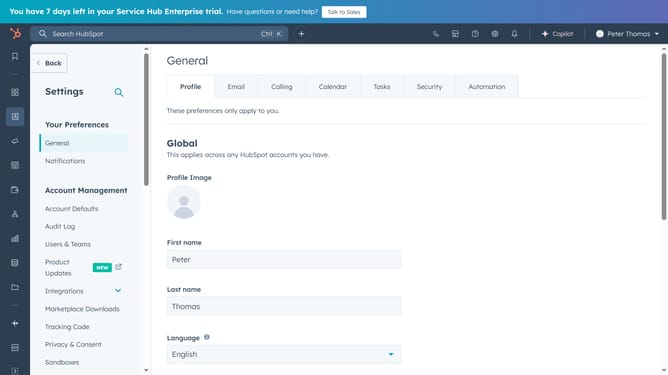
- Then click on the "Profile & Preferences" link in the dropdown menu
- Next click on the "Objects" option in the left sidebar under the Data Management section
- Then click on "Activities"
- Next click on the "Edit unsubscribe link" button in the Unsubscribe links section
- Then click on the radio button for an unsubscribe link message option in the modal dialog
- Finally click on the "Save" button to confirm the unsubscribe link text selection
Why should you edit an unsubscribe link message in Hubspot
HubSpot is a powerful tool designed to revolutionize customer relationship management and marketing automation.
Editing an unsubscribe link message in HubSpot allows you to maintain a professional tone while tailoring the message to align with your brand’s voice.
This feature strengthens trust by offering subscribers a personalized experience, thus enhancing your brand’s image. Customizing this message reflects thoughtfulness and ensures clarity for recipients, which can contribute to improved customer retention.
Embrace this feature for a seamless communication strategy that respects user preferences.
Last update