How to integrate Zoom with HubSpot?
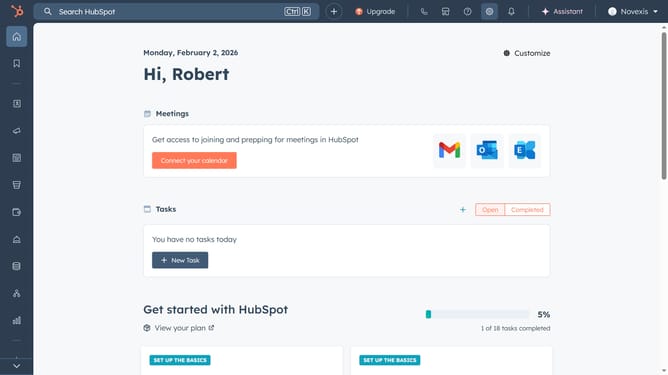
Here is how to integrate zoom with hubspot
- First, click on the store icon in the top-right, to open the "Marketplace"
- Next click on "Apps" to access the App Marketplace
- Search for "Zoom" and select it from the results
- Click "Install app" to begin the setup
- Log in to your Zoom account and grant the required permissions by clicking "Allow"
- HubSpot and Zoom are now connected. You can find Zoom under Connected Apps
Why should you integrate Zoom with HubSpot?
HubSpot is a powerful all-in-one platform designed to fuel marketing, sales, and customer service success.
Integrating Zoom with HubSpot seamlessly synchronizes your video meetings with contact records, enhancing productivity and tracking efficiency.
This integration effortlessly logs Zoom activities, providing valuable insights into meeting participation and customer interactions.
The benefits include streamlined communication, improved workflow, and enriched data aggregation, all of which significantly uplift team collaboration and customer relationship management.
Last update