How to rename a dashboard in HubSpot
Here is how to rename a dashboard in hubspot
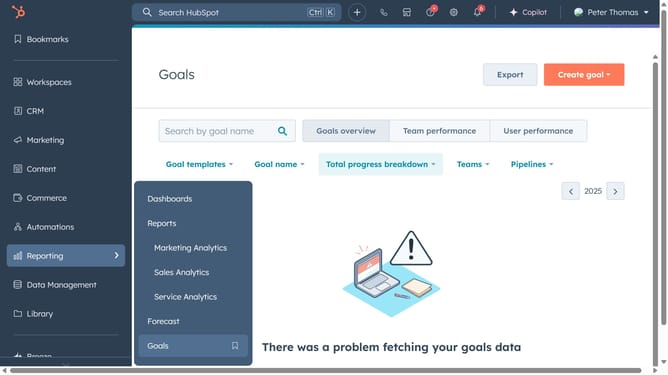
- First click on the "Reports" icon in the left sidebar
- Then click on "Dashboards" in the Reports submenu
- Click on "Manage dashboards" link in the top menu
- Next hover over the dashboard you want to rename and click on "Actions" dropdown menu
- Select "Dashboard details" from the Actions dropdown menu
- In the right panel, change the dashboard name in the "Dashboard Name" field
- Finally click the "Save" button to apply the changes
Why should you rename a dashboard in HubSpot
HubSpot is a comprehensive platform designed to optimize your marketing, sales, and customer service efforts.
Renaming a dashboard in HubSpot is a valuable feature that fosters better organization and clarity. As projects evolve, having a dashboard name that accurately reflects its purpose ensures team members can quickly locate the data they need.
With this simple adjustment, you enhance team collaboration and efficiency. It offers a straightforward approach to maintaining a streamlined workflow, reducing confusion, and enhancing productivity across your projects.
Last update