How to reactivate a user in Hubspot
Here is how to reactivate a user in hubspot
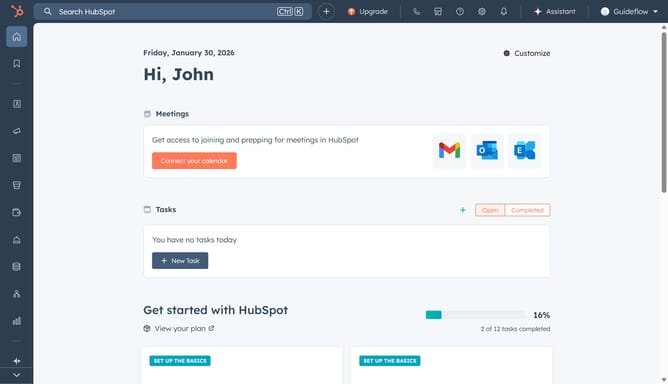
- First click on the the account name dropdown menu in the top navigation bar
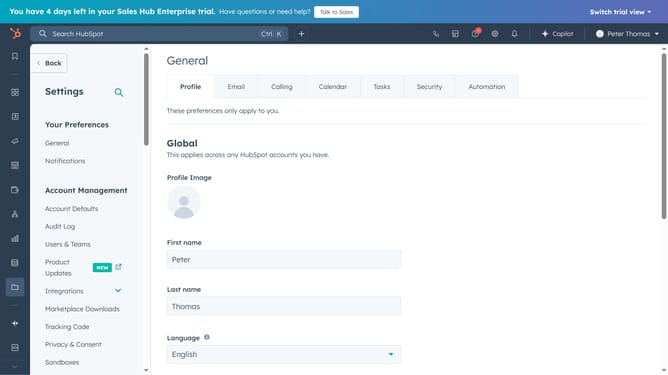
- Then click on "Profile & Preferences" link in the dropdown menu
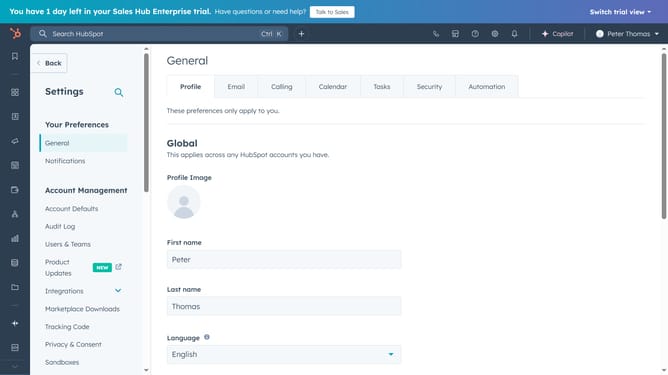
- Next click on "Users & Teams" option in the left sidebar under Account Management section
- Then click on "Review users" link under the Deactivated Users section
- Next click on the "Actions" dropdown button in the user row
- Then click on "Reactivate user" option from the actions menu
- Finally click on "Reactivate user" button in the confirmation dialog
Why should you reactivate a user in Hubspot
HubSpot is a powerful platform designed to enhance and streamline business growth through integrated marketing, sales, and service solutions.
Reactivating a user in HubSpot is a valuable feature that allows businesses to quickly bring a previously removed team member back into the fold. This capability ensures that essential team knowledge and continuity are maintained without missing a beat.
Using this feature helps businesses maintain workflow efficiency and promotes team collaboration by reinstating users with ease. Reactivating a user in HubSpot strengthens your team dynamics, ensuring seamless operations and engagement with the platform.
Last update