How to view historical exchange rates in HubSpot
Here is how to view historical exchange rates in hubspot
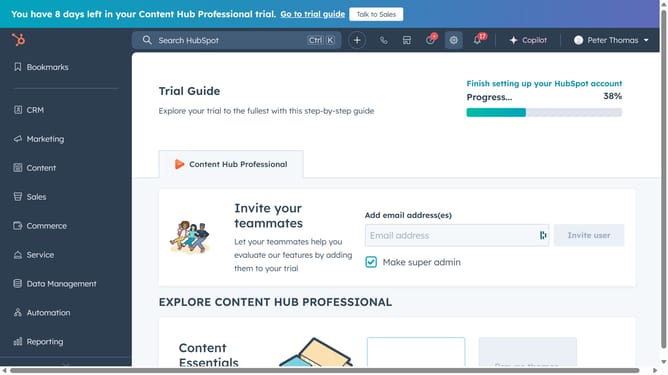
- First click on the icons in the top toolbar to access settings
- Then click on "Account Defaults" in the left sidebar menu
- Next click on the "Currency" tab in the Account Defaults settings
- Then hover over the currency and click on the "Actions" dropdown menu
- Click on "View currency history" in the Actions dropdown menu
- Then click on the "Exchange rate history" tab in the currency history modal
- Finally you can now view and track the historical exchange rates of your currency
Why should you view historical exchange rates in HubSpot
HubSpot is a comprehensive platform designed to fuel business growth by integrating a suite of marketing, sales, and service tools.
The ability to view historical exchange rates within HubSpot enhances financial insights and strategic planning. This feature empowers businesses by providing accurate currency conversions over specific periods.
Access to historical data ensures informed decision-making, aiding in budget forecasting and international dealings with precision.
Last update