How to manage snippets in HubSpot
Here is how to manage snippets in hubspot
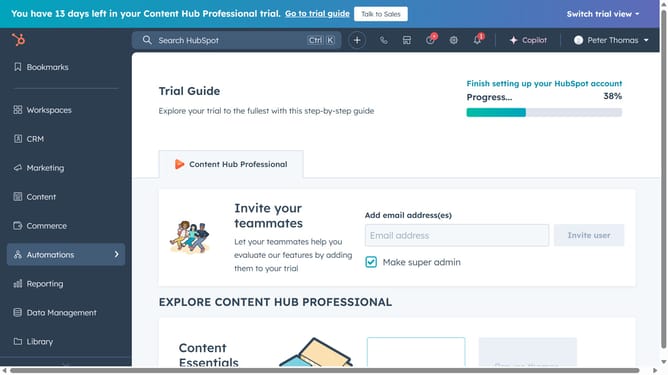
- First click on the "Library" icon in the left sidebar menu
- Then click on "Snippets" in the library submenu
- To edit a snippet, click on its name in the snippets list
- In the dialog box, make any necessary changes, such as updating the name, content, or shortcut
- For additional options, hover over a snippet and click the "Actions" dropdown menu
- From the Actions menu, you can clone, delete, or move the snippet to another folder
- To create a new snippet, click the "Create snippet" button
- Finally you can organize your snippets by clicking on "New folder" to create new folders
Why should you manage snippets in HubSpot
HubSpot is a versatile platform designed to streamline marketing, sales, and service processes.
The ability to manage snippets in HubSpot is a powerful feature that enhances communication efficiency. Snippets are reusable text blocks that can be quickly inserted into emails, notes, and chat conversations.
Utilizing snippets saves time by minimizing repetitive typing, ensuring consistency in messaging across various communication channels.
This leads to a streamlined workflow, ultimately boosting productivity while maintaining a high standard of interaction quality.
Last update