How to clone a sequence in HubSpot
Here is how to clone a sequence in hubspot
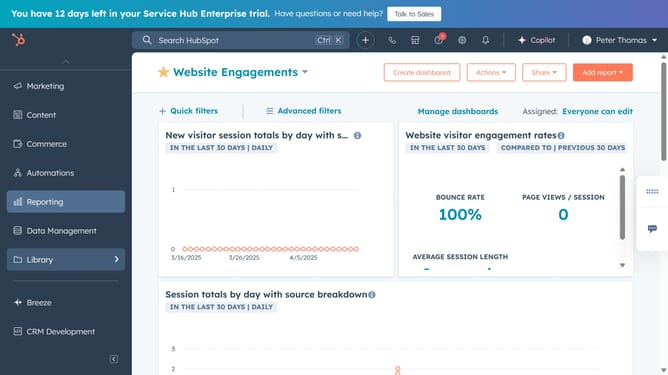
- First click on "Automations" in the left sidebar
- Then click on "Sequences" in the Automations menu
- Next click on the "Manage" tab in the top navigation bar of the sequences page
- Hover over the sequence you want to clone and click on the "Actions" button next to it
- Select the "Clone" option from the dropdown menu
- In the clone dialog, enter a new name for the cloned sequence
- Click on the "Save sequence to a folder" dropdown and choose a folder to save the cloned sequence as needed
- Under Template Options, choose to either clone the templates and become their owner, or reuse the existing templates while keeping their original owners
- Finally once done, click the "Save" button to create the clone
Why should you clone a sequence in HubSpot
HubSpot is a dynamic platform designed to elevate your marketing, sales, and customer service efforts.
The ability to clone a sequence in HubSpot is a time-saving feature that lets you effortlessly duplicate successful email campaigns. This feature streamlines the process of reusing high-performing sequences, ensuring consistency across various outreach efforts.
By cloning sequences, you maintain the proven strategies without starting from scratch, fostering productivity and enabling your team to focus on creative enhancements rather than repetitive tasks.
Last update