How to add a lead source in HubSpot?
Here is how to add a lead source in hubspot
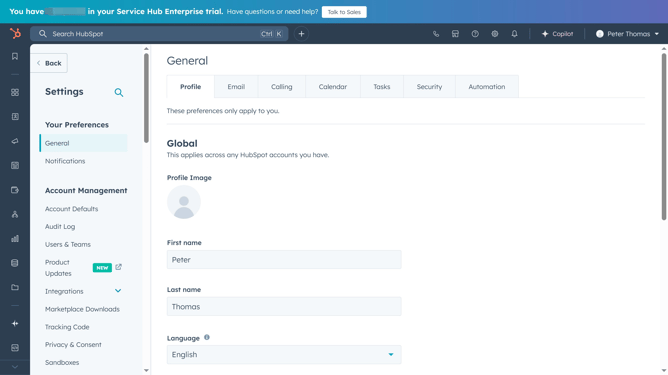
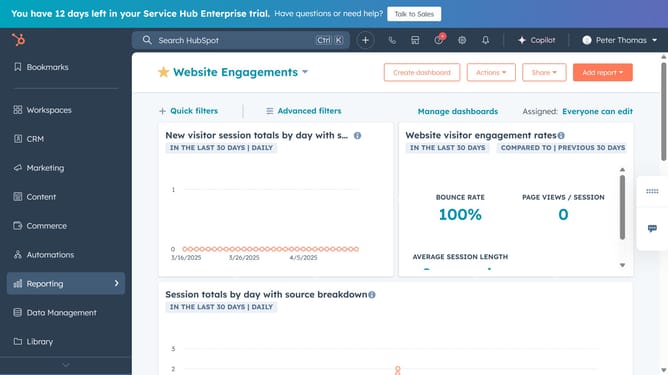
- First click on the settings icon in the top navigation bar
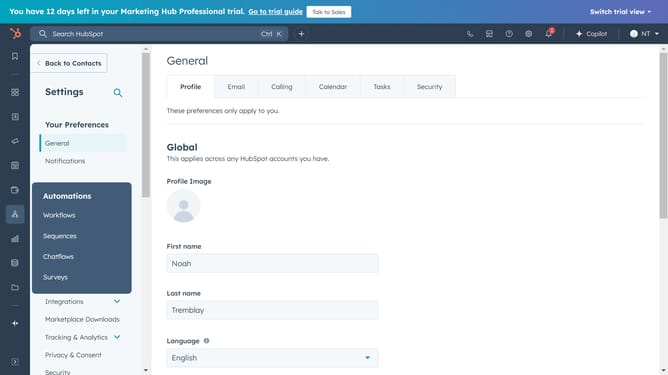
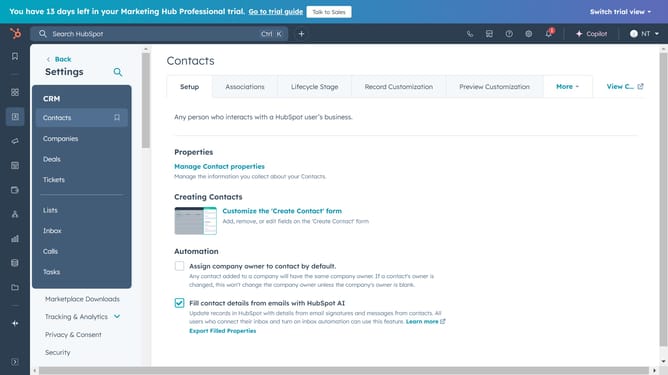
- Next click on the "Properties" in the left sidebar menu
- Select "Lead properties"
- Now click on "Create property" to begin
- Enter the necessary property details (Group, Object, and Type)
- Choose the field type
- Select the property rules based on your preference, then click "Create"
- A confirmation message will appear stating, "Lead Source was created"
Why should you add a lead source in HubSpot?
HubSpot is a powerful tool designed to streamline and enhance your marketing, sales, and customer service efforts.
One key feature is the ability to add a lead source, helping you to track where your leads originate. Identifying this allows you to tailor your marketing strategies effectively, optimizing your resources for maximum impact.
By effectively using lead sources, you can enhance your understanding of customer behavior, improve lead quality, and ultimately boost your conversion rates. This feature empowers your team to focus on channels that yield the best results, enhancing overall business growth.
Last update