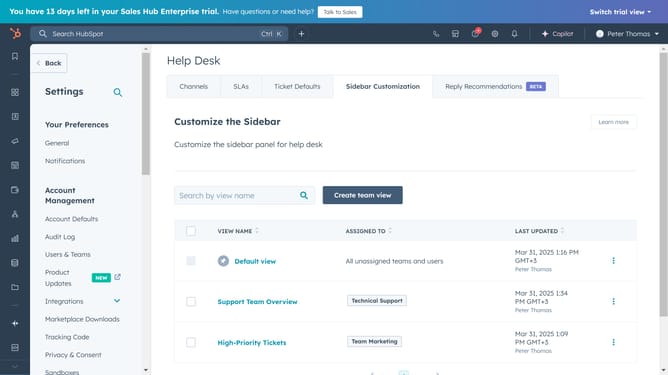
How to change an article's category or subcategory in HubSpot
Here is how to change an article's category or subcategory in hubspot
- First click on the "Content" option in the left sidebar
- Then click on "Knowledge Base" item in the content menu
- Next click on the article you want to change its category or subcategory
- Click on "Settings" button in the top right corner of the article editor
- Click on the "Categories" tab in the settings modal window
- To change the category, click on the category dropdown menu
- Select a new category from the dropdown list
- To change the subcategory, click on the subcategory dropdown menu
- Then select a new subcategory from the dropdown list
- Next, click the “X” icon in the top right corner of the modal to close it
- Finally, click on the "Update" button to save the changes
Why should you change an article's category or subcategory in HubSpot
HubSpot is a dynamic platform designed to streamline marketing, sales, and service for growing businesses.
Changing an article's category or subcategory in HubSpot is a powerful feature that enhances content organization, ensuring it reaches the right audience effectively.
Utilizing this feature allows for improved navigation and supports SEO efforts, thereby increasing visibility and reader engagement.
This flexibility not only helps maintain a well-structured content strategy but also reinforces your brand's credibility and authority in chosen categories.
Last update