How to edit deal stages in HubSpot?
Here is how to edit deal stages in hubspot
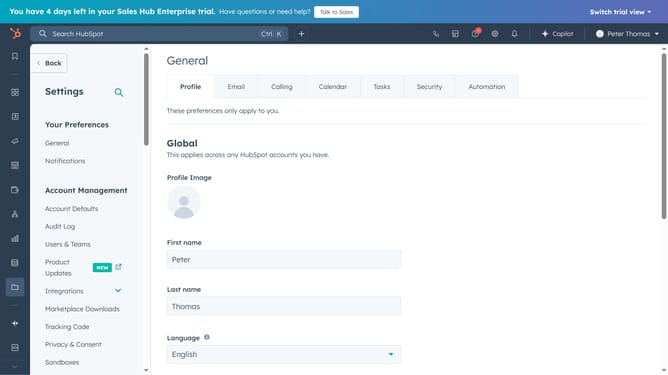
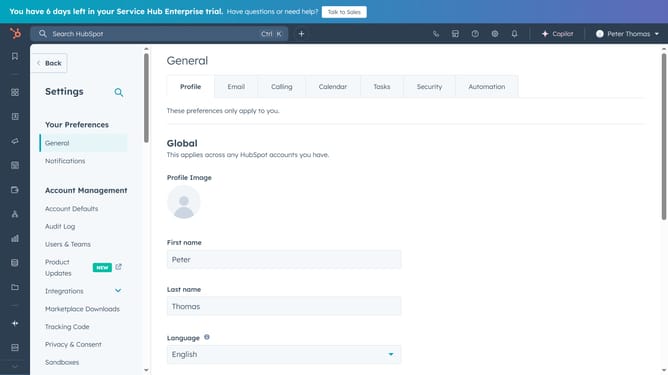
- First, click on the "Settings" icon in the top to navigate to settings
- Next in the left sidebar, navigate to Objects and select "Deals"
- Then click on the Pipelines tab
- Select the pipeline you want to edit
- Scroll down to modify an existing stage
- Or click "Add stage" to create a new one
- Then click on "Save"
- A success message will confirm your changes
Why should you edit deal stages in HubSpot?
HubSpot is an all-in-one platform designed to transform the way you manage customer relationships by unifying marketing, sales, and service.
Editing deal stages in HubSpot empowers you to customize your sales pipeline to reflect your unique sales process. This feature allows you to rename stages, modify properties, and reorder them to match your workflow seamlessly. By aligning your pipeline with your business needs, you can track progress more accurately and optimize sales strategies effectively.
Utilizing this feature leads to enhanced team collaboration, clearer visibility into deal progress, and ultimately, a more efficient sales process. Having the ability to tailor these stages ensures your team is always aligned, focused, and equipped for success.