How to upload a file in HubSpot
Here is how to upload a file in hubspot
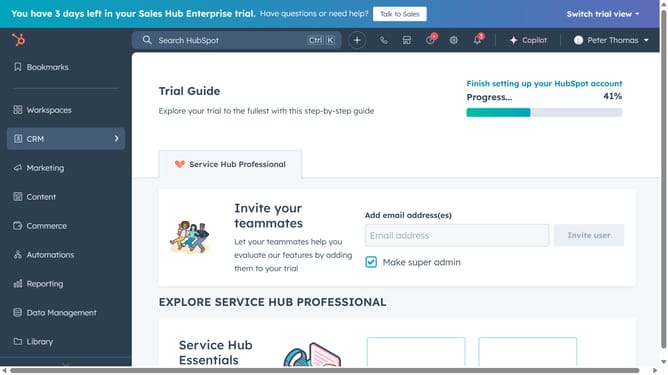
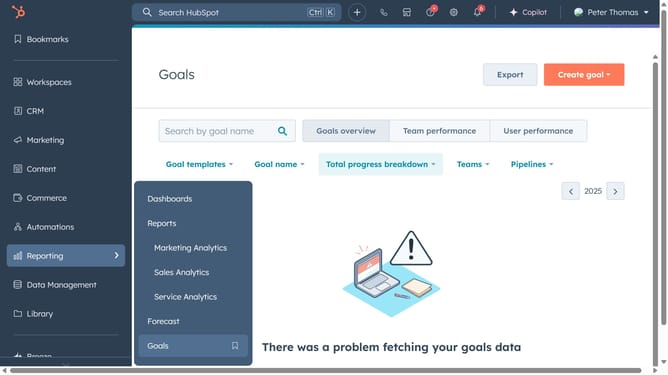
- First click on the "Library" option in the left sidebar
- Then click on "Files" in the expanded Library menu
- Next click on "Upload files" button in the top-right corner, then browse your computer and select the file you want to upload
- Your file has successfully been uploaded
Why should you upload a file in HubSpot
HubSpot is a powerful tool designed to streamline and enhance your marketing efforts through a robust suite of features.
Uploading a file in HubSpot is a seamless feature that empowers users to manage and share important documents within their marketing campaigns effortlessly.
By easily storing files, users ensure consistent access to key collateral needed for marketing initiatives, ultimately boosting team efficiency and collaboration.
This feature enhances organizational workflow by providing a centralized location for all relevant materials, making campaign management smoother and more effective.
Last update