How to set a different sound for a notification in HubSpot
Here is how to set a different sound for a notification in hubspot
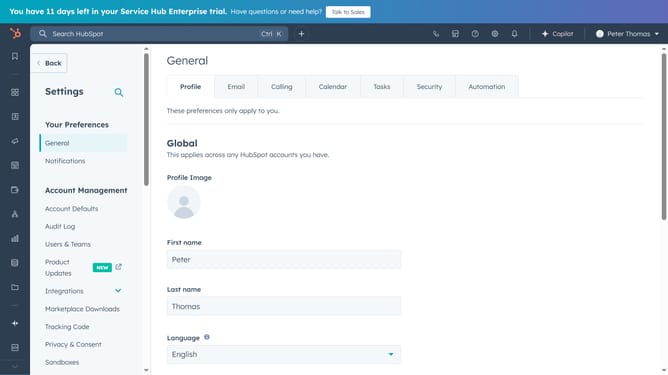
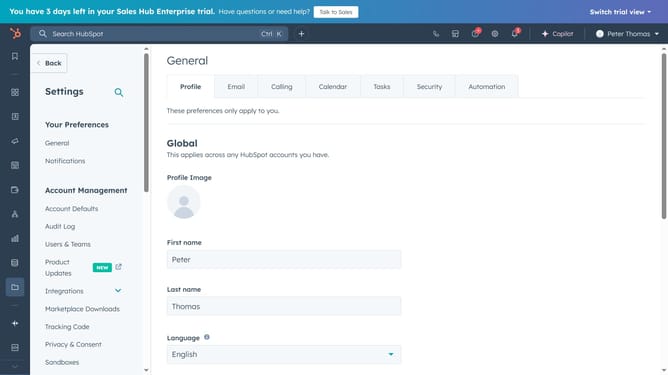
- First click the settings settings icon in the top navigation bar
- Then click on the "Notifications" option in the left sidebar menu
- Next ubder the "Pop-up" section, click the Sound selection dropdown menu
- Then, choose your preferred sound from the list to set it as the default for pop-up notifications
- Finally click the "Save" button in the bottom left corner to apply the new sound
Why should you set a different sound for a notification in HubSpot
HubSpot is a comprehensive platform designed to streamline marketing, sales, and customer service processes in businesses.
Customizing notification sounds in HubSpot allows you to personalize your experience and ensure that you never miss an important update.
By setting unique sounds for different notifications, you can quickly identify the type of alert without needing to immediately check your device. This feature enhances productivity, saves time, and helps prioritize tasks effectively. Tailoring your notification sounds also minimizes distractions, allowing you to maintain focus on critical tasks while staying informed about essential updates.
Last update