How to connect HubSpot to Gmail?
Here is how to connect hubspot to gmail
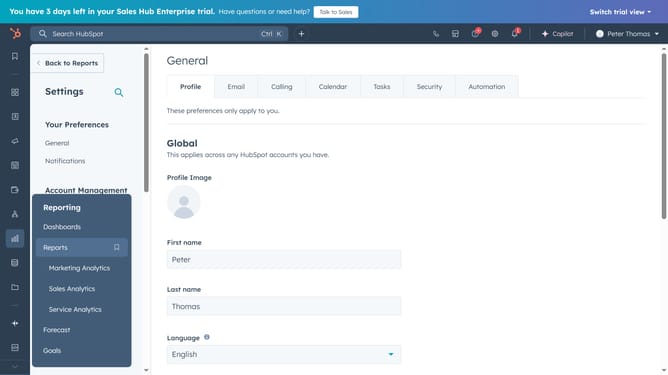
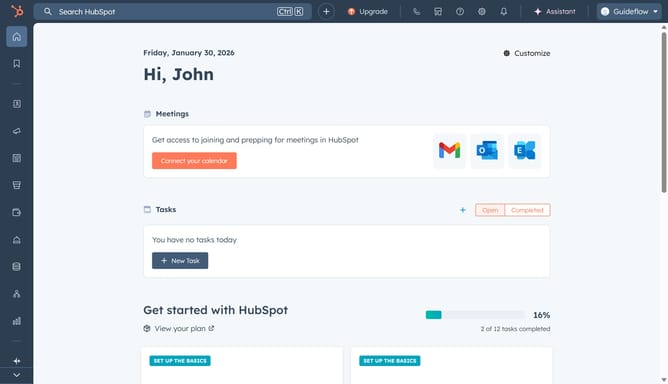
- First, click on the "Settings" icon in the top navigation bar
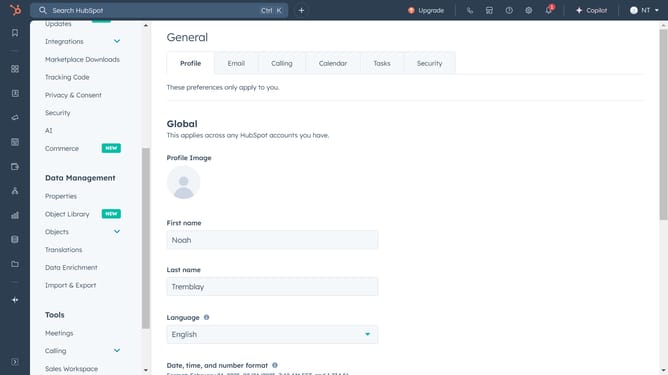
- Then, select "General" in the left sidebar
- Next, open the "Email" tab
- Then click on "Connect personal email" to begin the connection process
- Turn on inbox automation and click "Connect your inbox"
- Enter your email address and click "Next"
- Next, click on "connect to Gmail"
- Click "Continue" to go to the Google login page
- Next review the access permissions, and click "Continue"
- You'll have a confirmation message that your Gmail account is now connected to HubSpot
Why should you connect HubSpot to Gmail?
HubSpot is an intuitive platform designed to streamline customer relationships and business growth. Connecting HubSpot to Gmail not only centralizes your communication but also enhances productivity and collaboration. This integration allows you to seamlessly track emails, manage contacts, and schedule meetings directly from your Gmail inbox.
By unifying these essential tools, you benefit from automatic record-keeping and increased efficiency, reducing the chances of missed follow-ups and improving your overall workflow.
Enjoy the convenience of having your entire customer interaction history at your fingertips, fostering deeper connections and making data-driven decisions with ease.
Last update