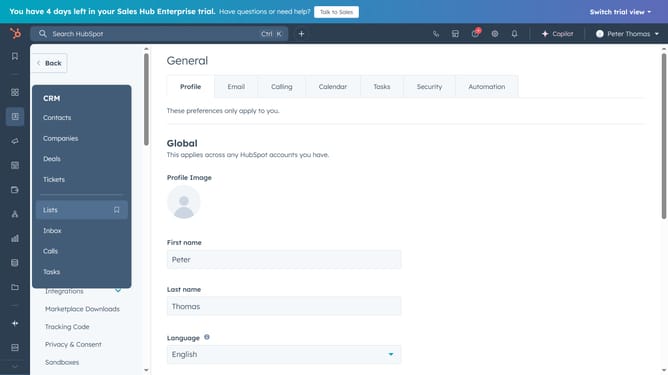
How to export tasks in HubSpot
Here is how to export tasks in hubspot
- First click on "Reporting" in the left sidebar and select "Reports" from the menu
- Then click on "Create report" button in the top-right corner
- In the search templates field, search for "Tasks"
- Find and click on the "Tasks incomplete assigned to all reps by activity date" report title
- In the dialog box, click the "Save report" button in the bottom-left corner
- In the panel, you can edit the "Report name" and select where you want to add the report to, then click the "Next" button
- Set the access permissions, then click the "Save" button
- Next click the "Go to your reports" link in the success message
- Hover over the newly created report and click the "Actions" dropdown menu next to it
- Select "Export unsummarized data" from the Actions dropdown menu
- In the export dialog, enter a name for the export and clhoose the "File format" you want the export to be in
- Finally, click the "Export" button and you'll receive an email with a download link to your export file
Why should you export tasks in HubSpot
HubSpot is an all-in-one platform designed to simplify marketing, sales, and service processes.
Exporting tasks in HubSpot is a seamless feature that enhances productivity by allowing users to easily manage and organize their workload outside the platform.
This feature is particularly beneficial for collaborative environments, offering the flexibility to share task lists and synchronize team efforts.
By exporting tasks, users gain greater control over data analysis and reporting, ensuring strategic planning and execution are consistently aligned.
Last update