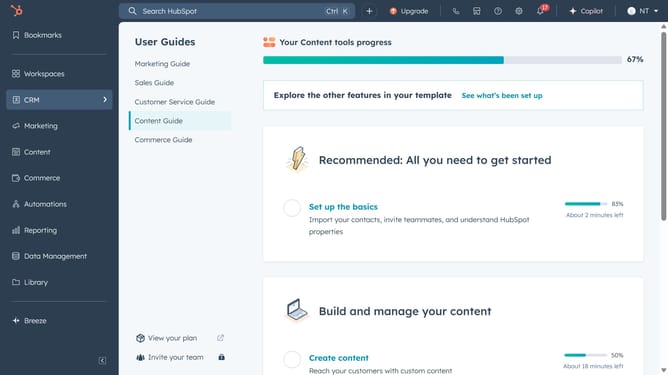
How to create a folder in the file manager in HubSpot
Here is how to create a folder in the file manager in hubspot
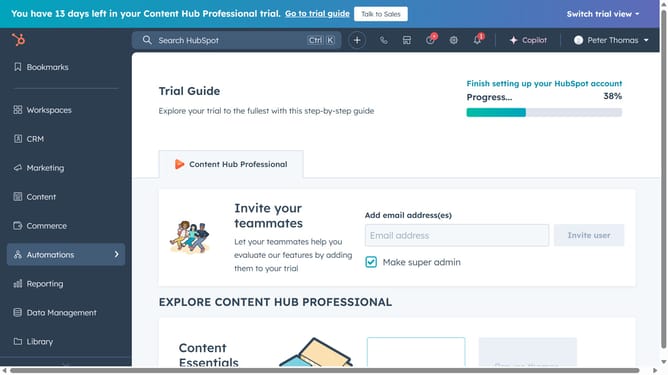
- First click on the "Library" option in the left sidebar
- Then click on "Files" option in the Library submenu
- Click on the "Create folder" button in the top-right corner of the Files page
- In the dialog box, enter a name for your folder
- Finally, click on the "Create" button to create the folder
- Your folder is now successfully created and ready to use
Why should you create a folder in the file manager in HubSpot
HubSpot is a leading platform designed to streamline marketing, sales, and service efforts effectively.
By creating a folder in HubSpot's file manager, you can effortlessly organize your digital assets, ensuring that important files are easily accessible and not lost in a sea of documents.
This enhanced organization promotes efficiency, saving you time and effort when locating specific files.
Ultimately, this feature allows users to maintain a clean and structured workspace, enhancing productivity and focus.
Last update