How to clone a dashboard in HubSpot
Here is how to clone a dashboard in hubspot
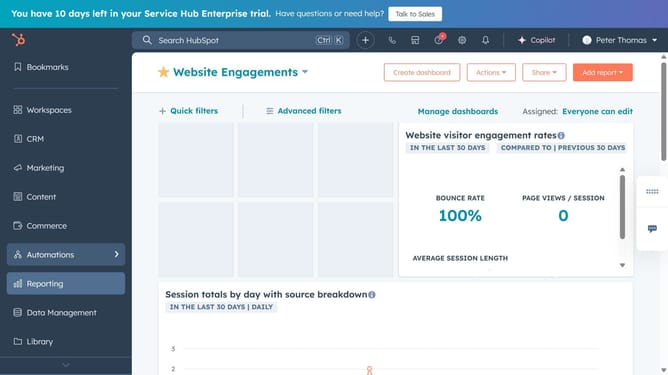
- First click on the "Reports" icon in the left sidebar
- Then click on "Dashboards" from the Reporting menu
- Click on "Manage dashboards" link in the top menu
- Next hover over the dashboard you want to clone and click on "Actions" dropdown menu
- Select "Clone" option from the Actions dropdown menu
- In the right panel, enter the new name for the cloned dashboard
- Choose whether to clone the reports as new copies or keep the original reports
- In the access settings, select the who should have access to the cloned dashboard
- Finally once done, click on "Clone dashboard" button
Why should you clone a dashboard in HubSpot
HubSpot is a comprehensive platform designed to streamline your marketing, sales, and customer service efforts effectively.
Cloning a dashboard in HubSpot is a powerful feature that allows you to replicate your existing dashboards seamlessly. This capability is particularly beneficial when you want to maintain consistency across various projects or team setups without starting from scratch.
By utilizing the clone feature, you save time and ensure that your data visualization remains uniform. Additionally, it fosters collaboration within teams by providing well-structured data insights instantly.
Last update