How to connect your email to HubSpot
Here is how to connect your email to hubspot
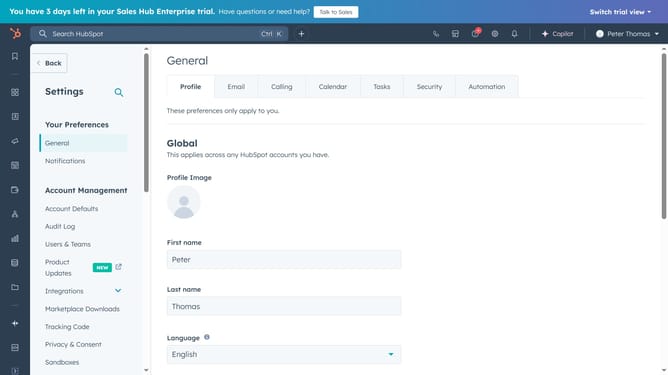
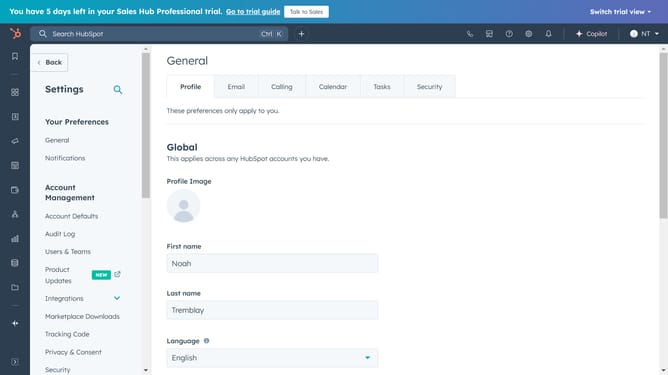
- First, navigate to Settings and click on "General" in the left sidebar
- Then, click on the "Email" tab in the top
- Next click on "Connect personal email" to begin the connection process
- Turn on inbox automation and click "Connect your inbox"
- Click the "Next" button after entering your email address
- Next, click on "connect to Gmail"
- Click "Continue" and you will be redirected to the Google login page
- Next review the access permissions, and click "Continue"
- Your Gmail account is now succesfully connected to HubSpot
Why should you connect your email to HubSpot
HubSpot is a powerhouse platform designed to enhance your marketing, sales, and service strategies seamlessly.
Connecting your email to HubSpot is a simple feature that maximizes your productivity and ensures efficient communication.
This integration allows you to manage emails, track interactions, and gather insights directly within HubSpot, streamlining your workflows.
Utilizing this feature enhances client relationships, improves response times, and empowers your team to work more collaboratively in one cohesive space.
Last update