How to Create Meeting Links in Hubspot
Here is how to create meeting links in hubspot
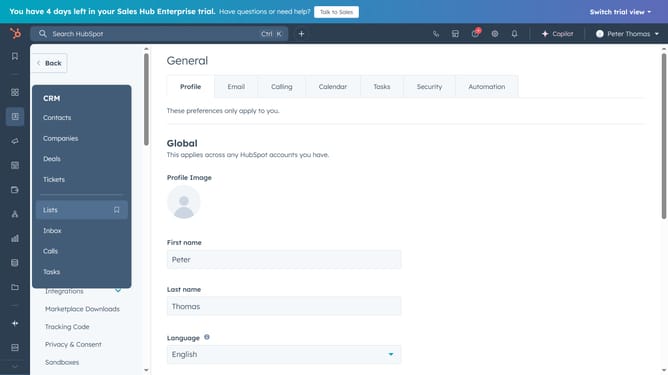
- First, click on the "Sales" item in the left sidebar menu
- Then click on the "Meetings Scheduler" option in the expanded Sales menu
- Next, click on the "Get Started" button in the meetings setup page
- Then click on the "I'll set it up myself" option in the setup dialog
- Next, click on the "Create scheduling page" button in the meetings overview
- Finally, select your meeting option in the scheduling page type selector, and create your scheduling link
Why should you Create Meeting Links in Hubspot
HubSpot is a robust platform designed to enhance marketing, sales, and service processes efficiently.
Creating meeting links in HubSpot streamlines scheduling by allowing clients and colleagues to book time directly in your calendar, reducing the back-and-forth of email communication.
This feature ensures you never miss out on important meetings and allows for better time management by automatically updating your calendar with new appointments.
Utilizing this feature not only saves time but also enhances productivity, giving users the freedom to focus on what matters most—building meaningful connections.
Last update