How to connect HubSpot to Outlook?
Here is how to connect hubspot to outlook
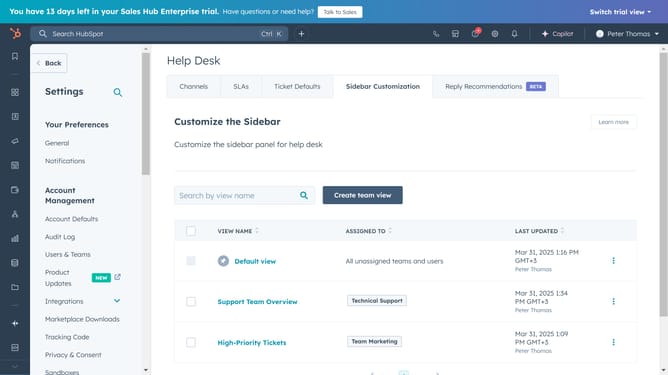
- First click on "General" in the left sidebar under Your Preferences
- Next click on "Email" tab
- Click "Connect personal email" to begin the process
- Select the checkbox to turn on inbox automation
- Then click "Connect your inbox"
- Enter your email address in the email input field and click "Next"
- When provider isn't automatically detected click "Choose email provider" button
- Select "Microsoft Outlook" from the email provider options
- Finally, click "Continue" and log in to your account to complete the setup
Why should you connect HubSpot to Outlook?
HubSpot is a leading customer relationship management (CRM) platform designed to transform how businesses engage with their customers.
Connecting HubSpot to Outlook offers seamless integration, ensuring emails and calendar scheduling are streamlined within your CRM system. This synchronization empowers teams to manage customer interactions more efficiently, avoiding the hassle of switching between applications.
The integration not only saves valuable time but also enhances productivity by providing real-time insights and a more cohesive communication workflow.
Last update