How to delete a snippet in HubSpot
Here is how to delete a snippet in hubspot
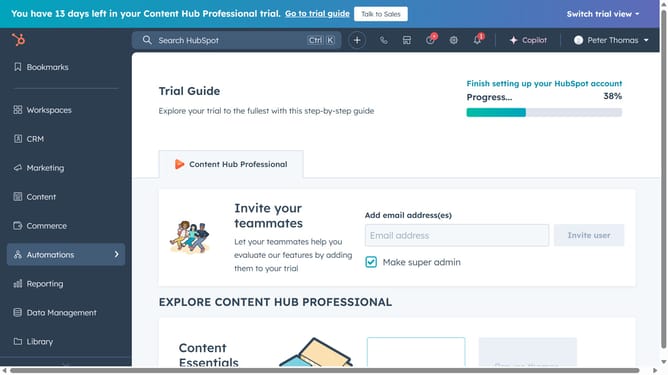
- First click on the "Library" icon in the left sidebar menu
- Then click on "Snippets" in the library submenu
- Next, click on the folder that contains the snippet
- Then, hover over the snippet you want to delete and click the "Actions" dropdown menu
- Select "Delete" from the Actions dropdown menu
- Finally click on "Yes, delete snippet" in the confirmation dialog
Why should you delete a snippet in HubSpot
HubSpot is an all-in-one platform designed to streamline your marketing, sales, and service processes.
Deleting a snippet in HubSpot is a feature that enables users to keep their CRM tidy and efficient. By removing outdated or unnecessary snippets, you ensure that only the most relevant resources are available, which helps maintain a clean and easily navigable workspace.
Eliminating unused snippets not only optimizes your content management but also reduces clutter, making it easier to focus on creating high-quality customer interactions and driving better results.
Last update