How to share a report by URL in HubSpot
Here is how to share a report by url in hubspot
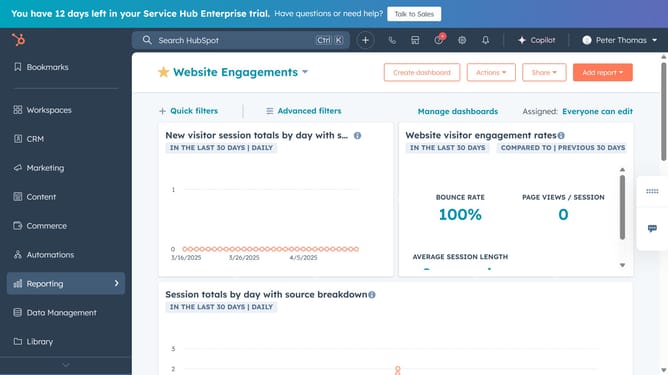
- First click on the "Reports" icon in the left sidebar
- Then click on "Reports" in the expanded reporting menu
- Next find and click the name of the report you want to share
- In the report view, click on the "Actions" button in the top-right
- Select "Copy report URL" option in the Actions dropdown menu
- The report URL has been copied to your clipboard, share the copied link via email, message, or any other platform
Why should you share a report by URL in HubSpot
HubSpot is a powerful platform designed to boost business growth through effective marketing, sales, and service tools.
Sharing a report by URL in HubSpot is a feature that streamlines the distribution of insights and data analytics across teams and stakeholders effortlessly.
This feature allows users to quickly generate a shareable link, ensuring that vital information remains accessible to everyone who needs it, fostering collaboration and informed decision-making.
By avoiding cumbersome attachment downloads, it enhances workflow efficiency and keeps teams aligned and agile.
Last update