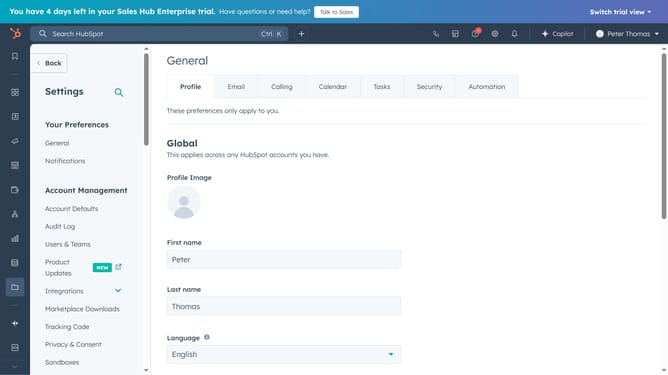
How to create a new data source in HubSpot
Here is how to create a new data source in hubspot
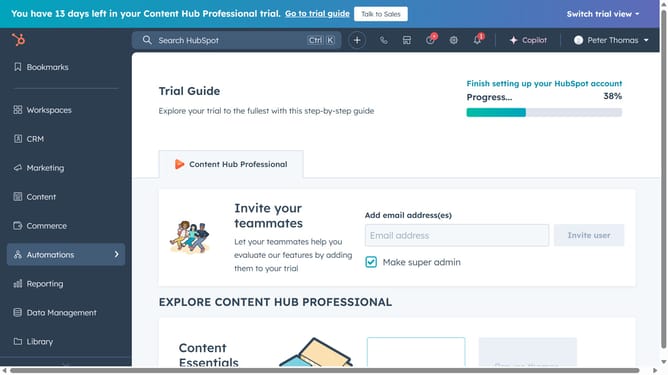
- First, click on "Automations" in the left sidebar menu
- Then select "Workflows" from the dropdown menu under Automations
- Next, click the "Edit actions" button in the workflow list
- Click on the "Edit" menu in the top navigation bar
- Select the "Edit available data" option from the Edit dropdown menu
- Click the "Add records" link in the Edit available records modal
- Finally, choose a record type, select a data source, and click the "Add" button
Why should you create a new data source in HubSpot
HubSpot is a comprehensive platform designed to elevate your marketing, sales, and customer service efforts through seamless integration and automation.
Creating a new data source in HubSpot allows businesses to integrate and manage their data efficiently, providing a unified perspective on customer interactions. This feature fosters data-driven decision-making by enabling you to centralize crucial information from various channels.
Utilizing HubSpot's data source creation feature streamlines your workflows, enhances reporting accuracy, and empowers your team with actionable insights to drive growth and improve customer relationships.
Last update