How to integrate HubSpot with Canva?
Here is how to integrate hubspot with canva
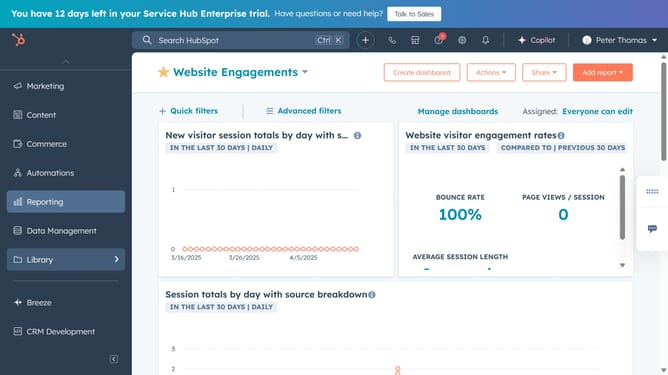
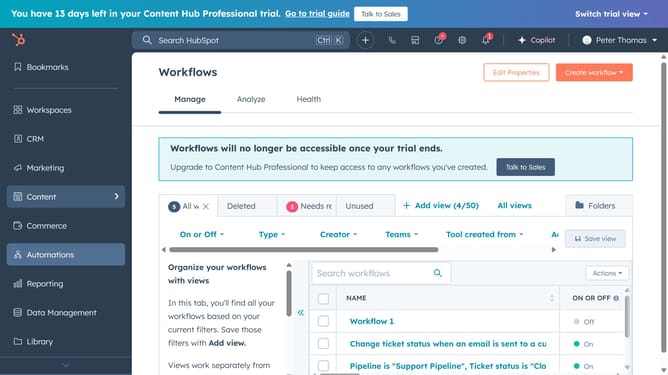
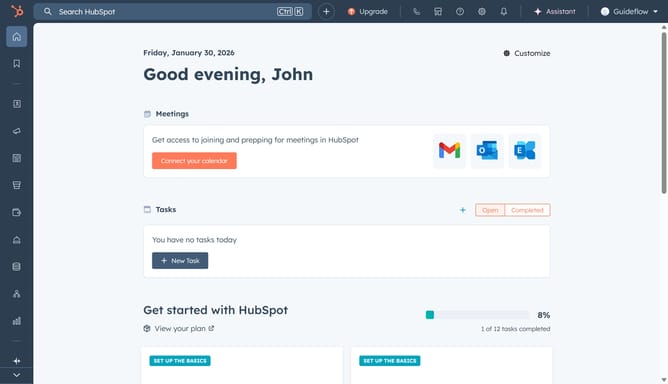
- First in your Hubspot click the store icon in the top
- Select "Apps"
- Next type "Canva" in the search bar and select it from the list
- Click the "Install app" button to begin the installation process
- You will be taken to your Canva account. Choose either "Use in an existing design" or "Use in a new design"
- In the left side, click on the "Connect" button
- Select your HubSpot account and click "Connect app" to complete the integration
- Now your HubSpot is successfully integrated with Canva
Why should you integrate HubSpot with Canva?
HubSpot is a powerful platform designed to enhance your marketing, sales, and customer service efforts seamlessly.
Integrating HubSpot with Canva merges the creativity of design with the power of marketing automation. This integration allows users to streamline workflows by effortlessly transferring visually enticing graphics directly from Canva to HubSpot.
Using this integration, teams can enhance collaboration and efficiency by keeping all creative and marketing assets in one unified place. Ultimately, this ensures a more cohesive and visually appealing marketing strategy.
Last update