How to move a snippet into a folder in HubSpot?
Here is how to move a snippet into a folder in hubspot
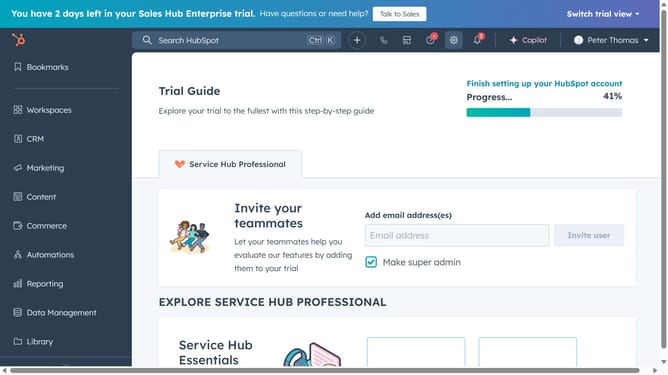
- First click on the "Library" option in the left sidebar
- Then click on "Snippets" item in the Library submenu
- Next hover over the snippet you want to move and click on the "Actions" dropdown
- Select "Move" from the Actions dropdown menu
- In the Move to folder dialog, choose the destination folder you want to move the snippet to
- Finally click the "Move" button to confirm
Why should you move a snippet into a folder in HubSpot?
HubSpot is a dynamic platform designed to enhance your marketing, sales, and service efforts by seamlessly integrating all essential functions.
Moving a snippet into a folder within HubSpot is a strategic move that aids in organizing your content more efficiently. By categorizing snippets, users can easily access them, saving valuable time and improving workflow.
This feature is particularly beneficial because it helps your team maintain a structured repository of information, leading to more streamlined communication and increased productivity across your projects.
Last update