How to integrate HubSpot with Jira?
Here is how to integrate hubspot with jira
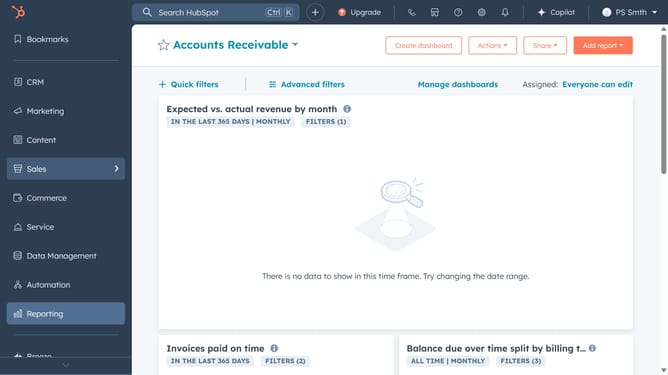
- First, click on the store icon in the top-right, to open the "Marketplace"
- Next click on "Apps" to access the App Marketplace
- Search for "Jira" and select it from the results
- Click "Install app" to begin the setup
- Then log into your Jira account and grant access to Hubspot
- Next go to CRM and select "Tickets" from the menu
- Open an existing ticket or create a new one
- On the right pane, scroll down to find "Associate Jira issue"
- Enable sync
- Finally select a Jira issue and click "Attach Jira Issue" to complete the integration
Why should you integrate HubSpot with Jira?
HubSpot is a leading platform designed to help businesses grow by seamlessly integrating marketing, sales, and service.
Integrating HubSpot with Jira transforms project management by keeping your team aligned.
This synergy allows seamless data sharing, improves communication, and enhances efficiency between sales and development teams.
By linking these platforms, you reduce manual tasks and ensure everyone stays informed, driving productivity and fostering collaboration across different departments.
Last update