How to add tasks to queues in HubSpot
Here is how to add tasks to queues in hubspot
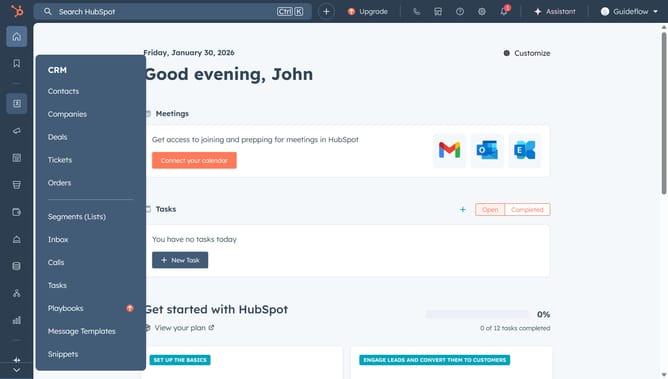
- First click on CRM in the left sidebar and select "Tasks" from the option menu
- Then click on the "Create task" button in the top right corner
- Enter the task title in the input field at the top of the create task modal
- Next click on the Queue dropdown menu again to view more options
- Select your desired queue from the Queue dropdown list
- Click the "Create" button at the bottom to save the new task
- Alternatively, select the checkbox next to task you want to include in your queue
- Then click "Change queue" at the top of the table
- In the dialog box, select the queue in the dropdown menu
- Finally, click "Save" to apply changes
Why should you add tasks to queues in HubSpot
HubSpot is a leading platform designed to supercharge your inbound marketing strategies and optimize customer relationships.
Adding tasks to queues in HubSpot streamlines your workflow, ensuring that your team stays organized and efficient. This feature allows you to prioritize tasks effortlessly, minimizing time spent on task management and maximizing productivity.
By using task queues, you can maintain clear timelines and meet deadlines effectively, driving better results from your sales and marketing efforts. Ultimately, this feature improves your team's collaborative approach and enhances overall project management.
Last update