How to create a tracking URL in HubSpot
Here is how to create a tracking url in hubspot
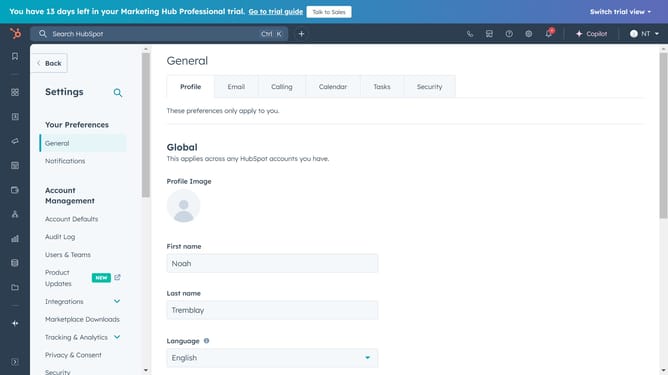
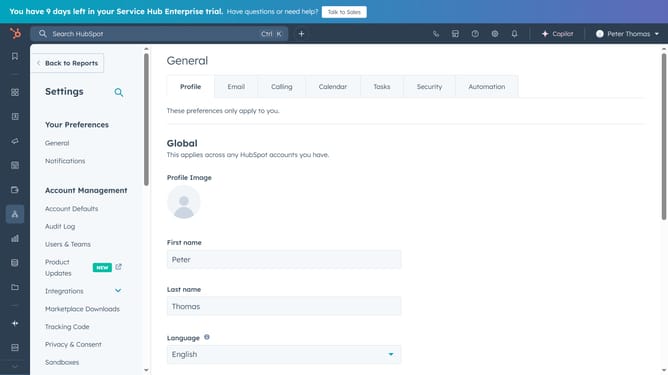
- First click the gear icon in the top navigation bar
- Then in the left sidebar, click on the "Tracking & Analytics" dropdown menu
- In the expanded menu, select "Tracking URLs" option
- Next, click the "Create tracking URL" button in the main content area
- Select the appropriate protocol (http:// or https://) and enter a valid URL for your page
- Click the "UTM campaign" dropdown and select a campaign
- Click the "Source" dropdown menu and select the source for your tracking URL in the dropdown menu
- Once you've filled all the necessary information, click the "Create" button at the bottom of the form
- Your tracking URL is now created and ready to use
Why should you create a tracking URL in HubSpot
HubSpot is a comprehensive platform designed to streamline marketing, sales, and customer service operations.
Creating a tracking URL in HubSpot allows you to monitor the performance of your campaigns with precision. This feature is essential for gaining insights into how your links are performing across different channels.
By generating a tracking URL, you can easily identify which sources drive the most traffic and conversions, optimizing your marketing strategy with data-backed decisions.
Ultimately, this empowers you to enhance your overall campaign efficiency and return on investment.
Last update