How to create an email template in HubSpot?
Here is how to create an email template in hubspot
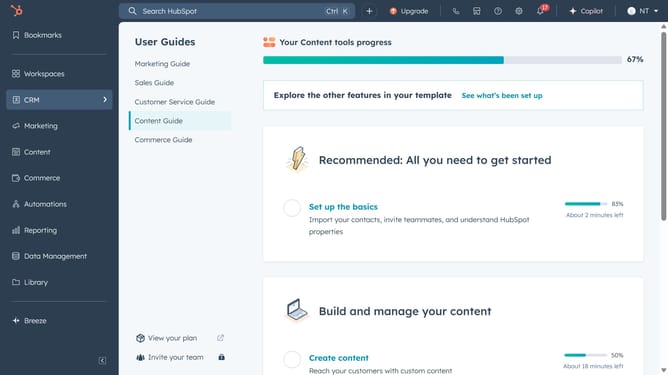
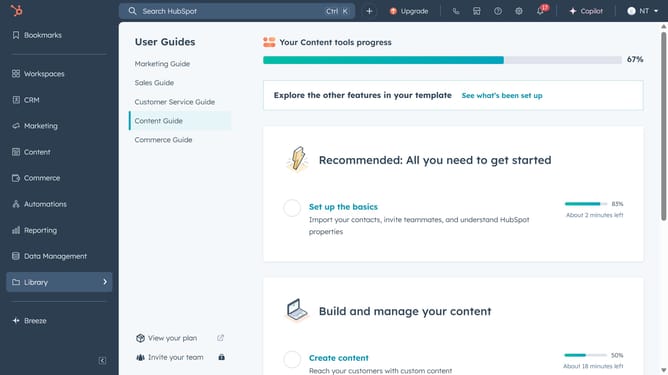
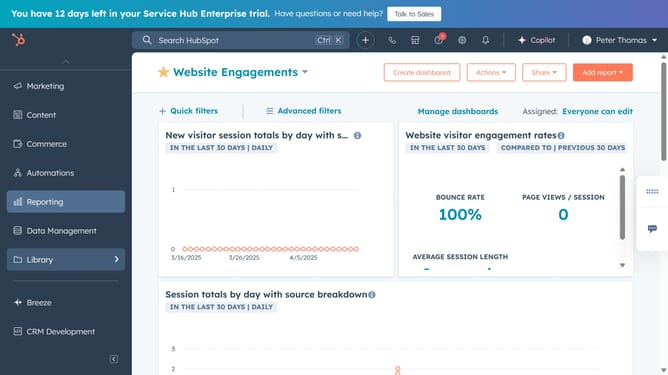
- First, go to Library and click on "Templates"
- Click the "New template" button in the top-right
- Choose "From scratch" to start a new template
- Next, enter a unique name and a concise subject line
- Compose the email body and apply formatting as needed
- Then click on the share option
- Decide if the template should be private or shared
- Click "Save template" to finalize
- Your template is now available in the Templates dashboard
Why should you create an email template in HubSpot?
HubSpot is a leading inbound marketing platform designed to streamline customer relationship management and optimize business growth.
Creating an email template in HubSpot empowers teams to efficiently design and personalize customized emails that resonate with recipients. Whether you are launching a marketing campaign or conducting routine engagement, this feature saves valuable time with reusable designs and consistent branding.
Utilizing HubSpot's email templates enhances communication strategies by ensuring high-quality and professional-looking emails without starting from scratch. This fosters improved productivity, brand consistency, and a more connected customer experience.
Last update