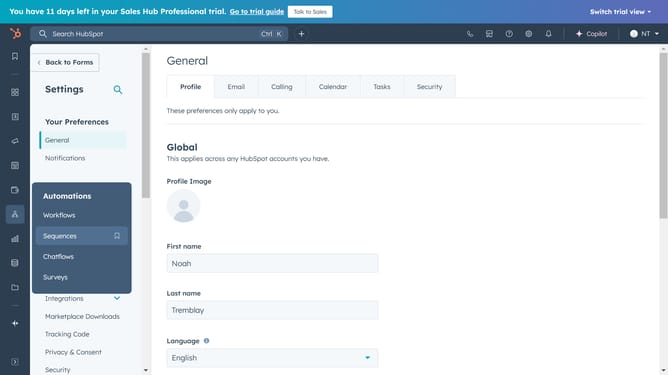
How to remove a currency from your HubSpot account
Here is how to remove a currency from your hubspot account
- First click on the gear icon in the top menu bar to access settings
- Then click on "Account Defaults" in the left sidebar under Account Management section
- Next click on the "Currency" tab in the main content area
- Hover over the currency you want to remove and click "Archive"
- Finally click on "Archive currency" button in the confirmation dialog
Why should you remove a currency from your HubSpot account
HubSpot is a powerful platform designed to seamlessly improve marketing, sales, and service processes.
The ability to remove a currency from your HubSpot account is a feature that enhances financial flexibility and precision. This feature ensures that organizations can maintain a streamlined and relevant financial dashboard tailored to their specific needs.
By removing unnecessary currencies, businesses can focus on their primary markets and reduce potential confusion and errors, leading to a more organized accounting experience.
Ultimately, this empowers teams to manage financial data more effectively and concentrate on essential business strategies.
Last update