How to create a recurring report email in HuSpot
Here is how to create a recurring report email in huspot
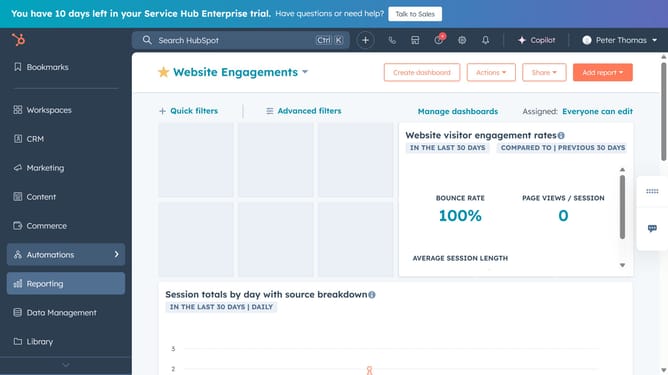
- First click on the "Reporting" icon in the left sidebar
- Then click on "Reports" option in the reporting menu
- Next find the report you want to share and click on the "Actions" button next to it
- Click on "Share Via" option in the dropdown menu
- Click on the "Email" sharing method option and click on the "Next" button
- To send a recurring email select "Yes, this is a recurring email"
- Next, enter the email's name in the Email nickname field
- Click on the "Internal recipients" dropdown and select the users to send the email to
- To attach a downloadable file, click the "Attach downloadable file" dropdown and select a format
- Enter the subject line and the email body text
- Next click the "Schedule" dropdown menu, then select Daily, Weekly, or Monthly
- Click the "Time of day" dropdown menu, then select the time that you want the email to send out
- Finally click the "Schedule e-mail" button to send the to automate email
Why should you create a recurring report email in HuSpot
HubSpot is a versatile CRM platform designed to streamline marketing, sales, and customer service processes.
A standout feature is the ability to create recurring report emails effortlessly. This ensures that your team receives up-to-date insights without the need for manual intervention, saving time and enabling informed decision-making.
By automating report delivery, you ensure consistent data flow, allowing your team to align strategies effectively and maintain a competitive edge. This feature optimizes workflow, keeping everyone in sync with the latest metrics.
Last update