How to edit a currency exchange rate in HubSpot
Here is how to edit a currency exchange rate in hubspot
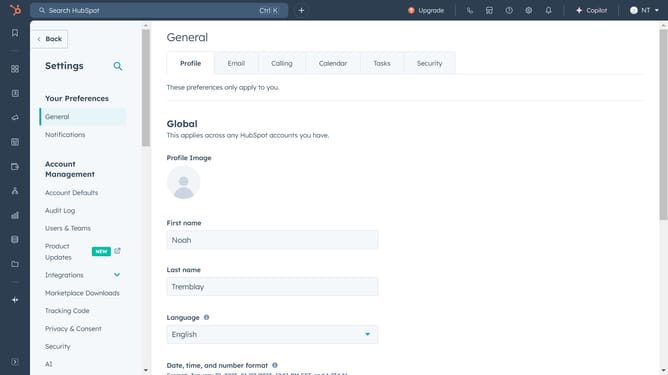
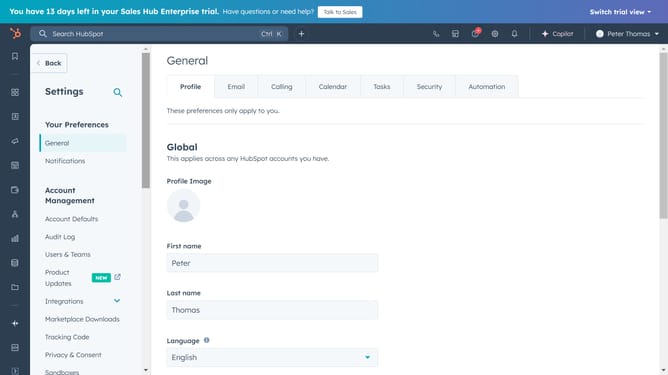
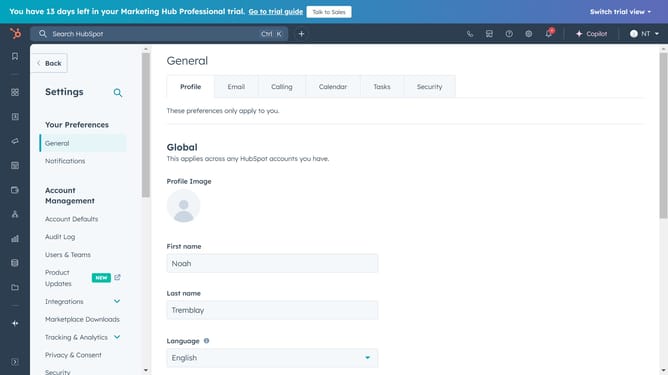
- First click on the gear icon in the top navigation bar to access settings
- Then click on "Account Defaults" in the left sidebar menu under Account Management section
- Next click on the "Currency" tab in the Account Defaults section
- Hover over the currency for which you want to edit the exchange rate and click "Actions" button next to it
- Click on "Edit exchange rate" option from the dropdown menu
- In the edit window, update the exchange rate for the selected currency relative to your primary currency
- Finally click on the "Save" button to update the exchange rate
Why should you edit a currency exchange rate in HubSpot
HubSpot is a versatile platform designed to streamline marketing, sales, and service processes.
One of its essential features allows users to effortlessly edit currency exchange rates. This functionality is crucial for businesses operating in multiple countries, ensuring financial data is consistently accurate across all platforms.
Keeping exchange rates up-to-date helps in precise financial planning and reporting, enhancing strategic decision-making for businesses aiming for global expansion.
With HubSpot, businesses can maintain strong financial integrity, avoiding currency-related discrepancies and fostering trusted relationships.
Last update