How to change the owner of a report in HubSpot
Here is how to change the owner of a report in hubspot
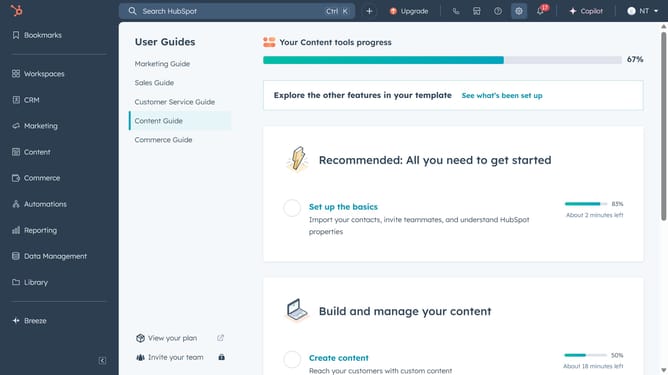
- First click on the "Reporting" icon in the left sidebar
- Then click on "Reports" option in the reporting menu
- Next hover over the report you want to change the owner and click on the "Actions" dropdown menu next to it
- From the Actions menu, select the "Change owner" option
- In the "Choose a new owner" dialog, click on the owner dropdown field
- Select the new owner from the dropdown list
- Finally click on the "Change owner" button in the dialog to confirm the ownership change
Why should you change the owner of a report in HubSpot
HubSpot is a comprehensive platform designed to streamline marketing, sales, and service processes.
The ability to change the owner of a report in HubSpot ensures seamless collaboration and accurate accountability. This feature is pivotal when team roles change or when specific insights require fresh perspectives.
By reassigning report ownership, teams can maintain clarity and ensure that the right individuals are aligned with the data they need to drive decision-making, enhancing overall workflow efficiency.
Last update