How to restore deleted a file in HubSpot
Here is how to restore deleted a file in hubspot
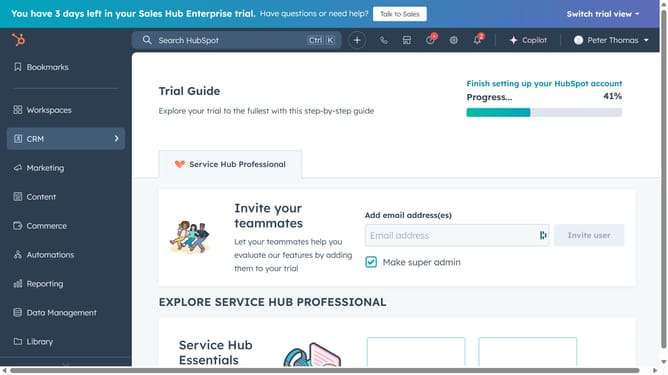
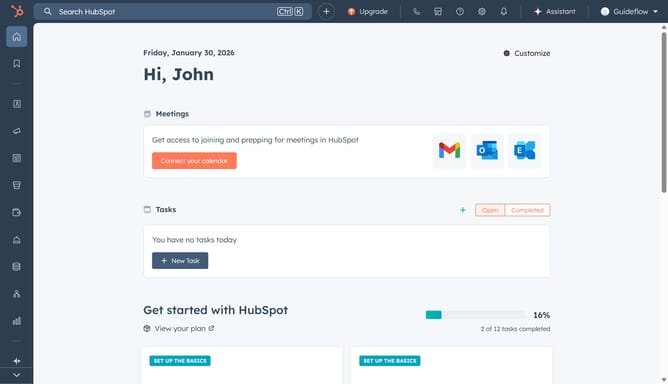
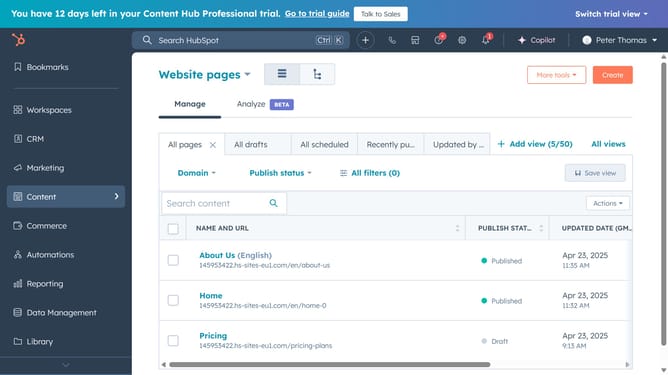
- First click on the "Library" icon in the left sidebar menu
- Then click on the "Files" item in the Library submenu
- Next click on the "Files trash" link in the top-right corner of the Files page
- Then hover over the file you want to restore and click on the "Actions" dropdown button
- Finally click on the "Restore" option in the Actions dropdown menu
Why should you restore deleted a file in HubSpot
HubSpot is a leading platform designed to streamline marketing, sales, and customer service efforts.
One of its outstanding features is the ability to restore deleted files, a vital tool for maintaining data integrity.
This feature empowers users by providing peace of mind, knowing that accidental deletions don't lead to permanent loss.
It saves valuable time and resources by ensuring that important documents remain accessible and secure, ultimately enhancing productivity and efficiency.
Last update