How to restore deleted reports in HubSpot
Here is how to restore deleted reports in hubspot
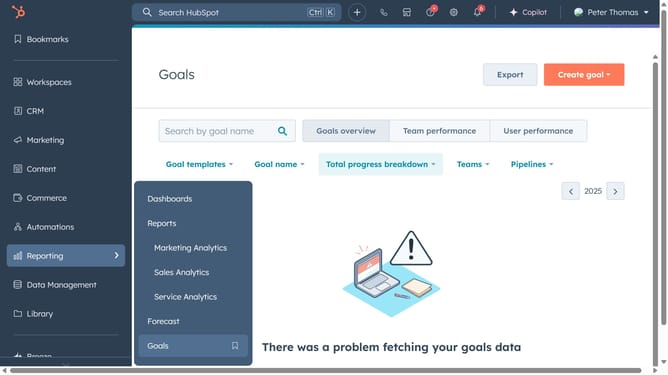
- First click on the "Reports" icon in the left sidebar
- Then click on "Reports" in the Reports menu
- Next click on "Restore deleted reports" button in the top-right corner of the reports page
- Then, select the checkbox next to the report you want to restore
- Click on "Restore" at the top of the restore reports page
- Finally click on "Restore reports" button in the confirmation dialog
- The reports has beed successfully restored, it will now be available again in your list of reports
Why should you restore deleted reports in HubSpot
HubSpot is a comprehensive platform designed to enhance and streamline your marketing, sales, and service processes.
An invaluable feature within HubSpot is the ability to restore deleted reports, offering a safety net for any accidental deletions or changes.
By restoring deleted reports, you maintain continuity in data analysis, ensuring no critical insights are lost, and preserving the valuable insights gathered over time.
This capability supports better decision-making and maintains the integrity of your reporting data, promoting a more resilient data strategy.
Last update