How to move playbooks to a folder in HubSpot
Here is how to move playbooks to a folder in hubspot
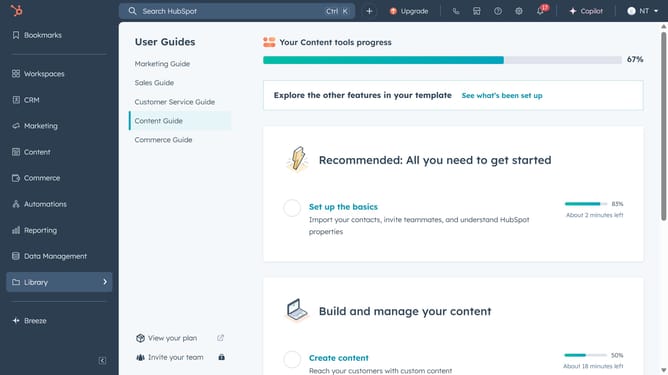
- First click on the "Library" icon in the left sidebar
- Then click on "Playbooks" option in the Library menu
- Next select the checkbox next to the playbook you want to move
- Then click on "Move to folder" button in the top action bar
- In the modal window, choose the destination folder you want to move the playbook to or create a new folder
- Finally click the "Move" button to complete moving the playbook
Why should you move playbooks to a folder in HubSpot
HubSpot is an all-in-one platform designed to transform how businesses attract, engage, and delight customers.
Moving playbooks to a folder in HubSpot is a feature that enhances organization and accessibility, saving time and improving efficiency.
By categorizing playbooks into specific folders, teams can streamline workflows, ensuring quick retrieval and consistent usage without hassle.
This feature ultimately fosters a more productive environment, allowing for better focus on core strategies and customer interactions.
Last update