How to turn on data privacy settings in HubSpot
Here is how to turn on data privacy settings in hubspot
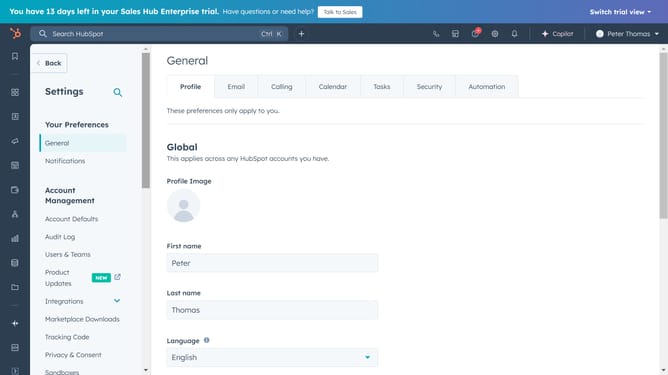
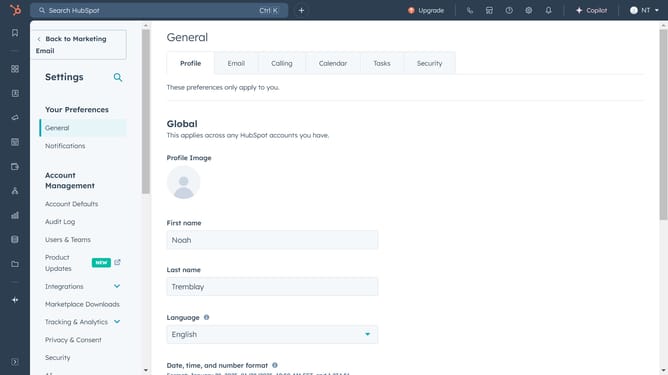
- First click on the settings icon in the top toolbar
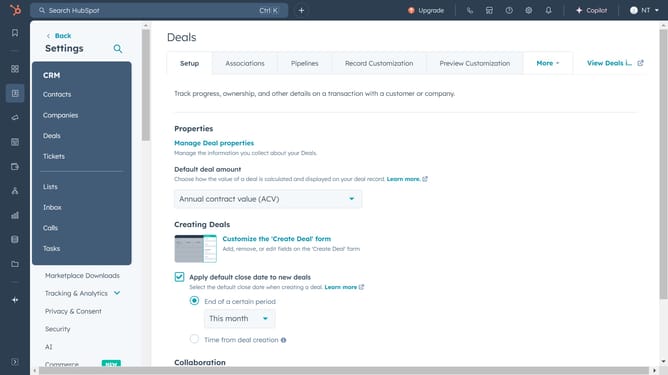
- Then click on "Privacy & Consent" in the left sidebar menu
- Next click on the "Setup" tab in the main content area
- Select "Data privacy settings" from the left submenu
- Turn on the toggle switch for "Data privacy settings"
- Finally, click "Yes, turn on data privacy settings" in the confirmation dialog
- Data privacy settings is now on. To configure more privacy configuration options, click on "Additional settings" dropdown
Why should you turn on data privacy settings in HubSpot
HubSpot is a comprehensive platform designed to enhance marketing, sales, and customer service experiences.
Turning on data privacy settings in HubSpot ensures your customers' personal information remains protected, reinforcing trust and confidentiality.
These settings provide you with enhanced control over data collection and usage, aligning your company's operations with privacy regulations.
The benefits of activating these features are manifold, including increased brand credibility and customer loyalty, fostering a secure business environment.
Last update