How to customize the invitee form in Calendly
Here is how to customize the invitee form in calendly
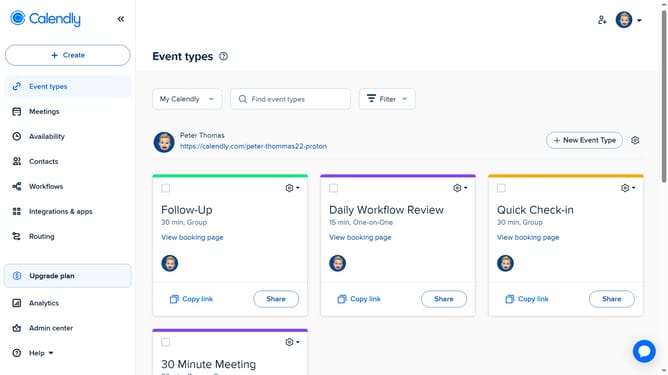
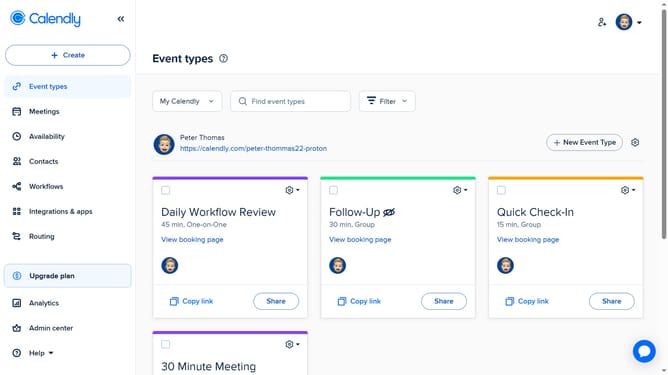
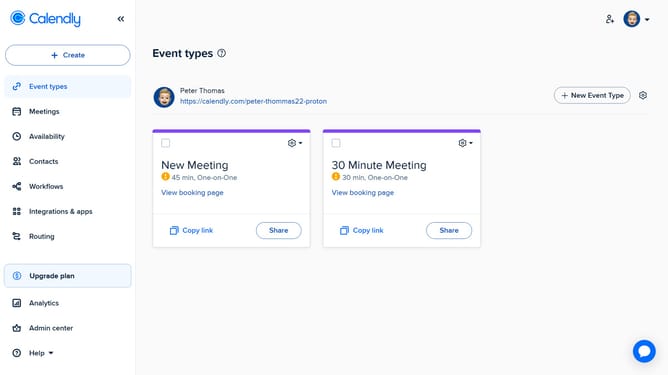
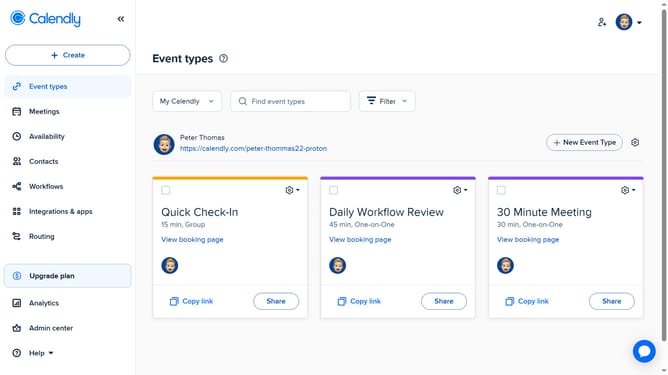
- First click on the "Event types" in the left sidebar
- Next locate and click on the event you want to customize
- Click on the "More options" button in the event settings
- Next select the "Invitee form" section in the settings panel
- Then in the Invitee details section, you can collect Name and Email or First Name, Last Name, and Email
- Under the Invitee guest section, you can toggle “Allow invitees to add guests” on or off
- In the Invitee Questions section, you can remove an existing question or create a new one, choose the question type, and decide whether the question should be required
- Finally once you're done, click the "Save changes" button to apply the modifications
Why should you customize the invitee form in Calendly
Calendly is an intuitive scheduling software designed to make appointment management seamless.
Customizing the invitee form in Calendly empowers users to tailor the scheduling experience to meet specific needs.
This feature allows you to add personalized questions and collect essential information upfront, enhancing the efficiency of every meeting.
Using the invitee form customization, professionals can ensure a streamlined, more personalized interaction, increasing productivity and improving client satisfaction.
Last update