How to view your scheduled meetings in Calendly
Here is how to view your scheduled meetings in calendly
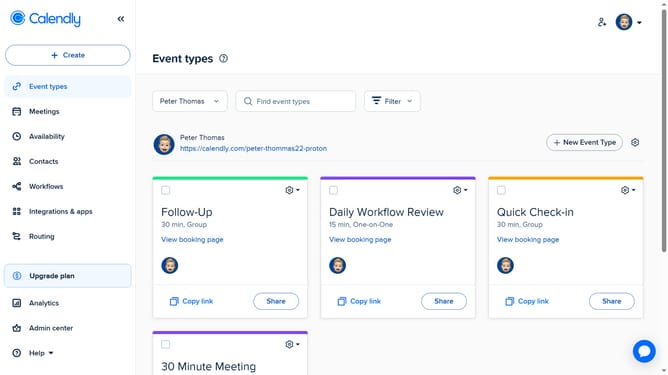
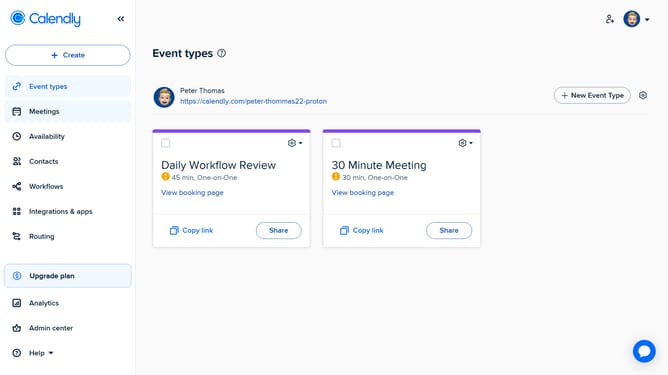
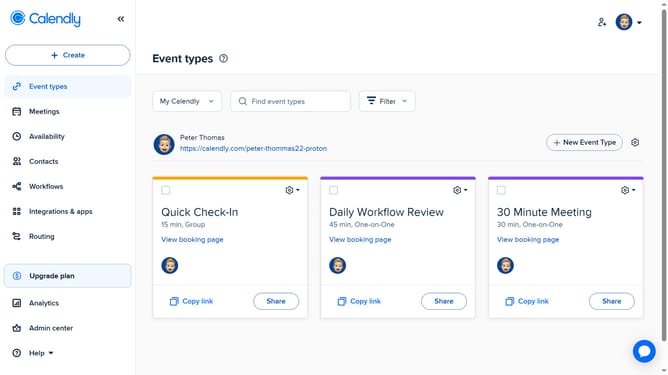
- First click on the "Meetings" option in the left sidebar menu
- Then by default, you’ll see upcoming meetings
- You can use the tabs to filter by Upcoming, Pending, Past, or Date Range
- Click any meeting to view its full details, including invitee info, time, and location
Why should you view your scheduled meetings in Calendly
Calendly simplifies scheduling by efficiently managing your time and meetings.
One of its essential features is the ability to easily view your scheduled meetings. With a quick glance, you can access all upcoming appointments, ensuring you're always prepared and organized. This feature is designed to make your life easier by providing an overview of your commitments.
Using this feature helps manage your time more effectively, reducing stress and enhancing productivity. Staying informed about your schedule helps you focus on what truly matters and maximizes your daily efficiency.
Last update