How to copy the link of a meeting poll in Calendly
Here is how to copy the link of a meeting poll in calendly
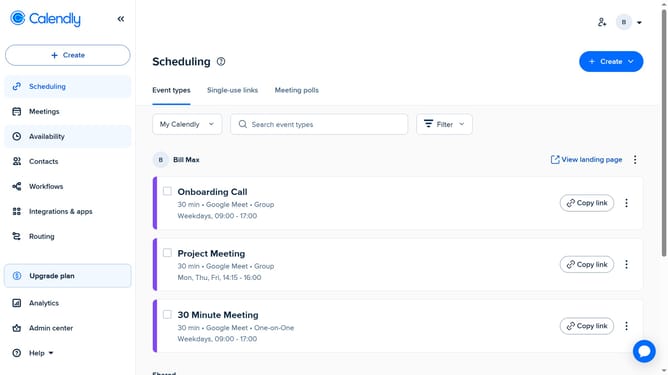
- First click on the "Meetings" item in the left sidebar menu
- Next click on the "Pending" tab in the main content area
- Here, you can find all your active meeting polls waiting for responses
- Then click the meeting poll you want to copy the link from
- Finally click on the "Copy Link" option in the meeting details
- The link will be copied to your clipboard, and you can now paste it anywhere to share with your invitees
Why should you copy the link of a meeting poll in Calendly
Calendly is a seamless scheduling tool designed to simplify appointment booking, saving time and effort.
Copying the link of a meeting poll in Calendly is a feature that enhances user convenience by allowing instantaneous access sharing. This functionality ensures your colleagues or clients can easily vote on suitable meeting times, streamlining coordination.
Utilizing this feature simplifies arranging meetings by eliminating scheduling conflicts and accelerating the decision-making process, promoting productivity and ensuring everyone’s availability is taken into account.
Last update