How to change your login preferences in Calendly
Here is how to change your login preferences in calendly
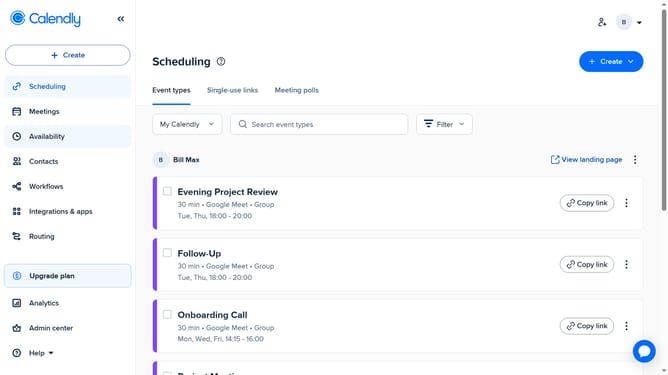
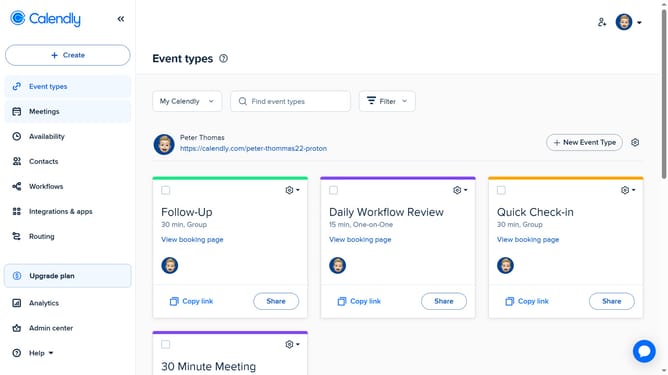
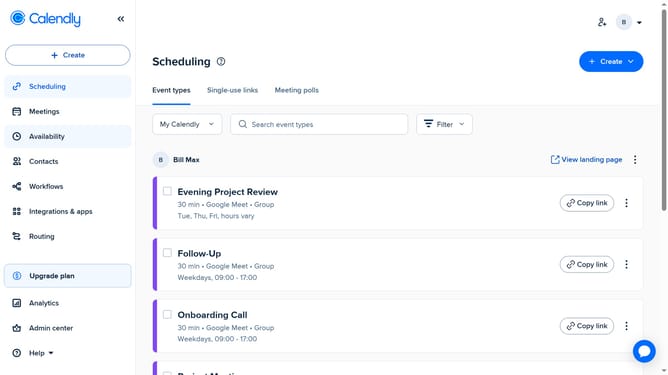
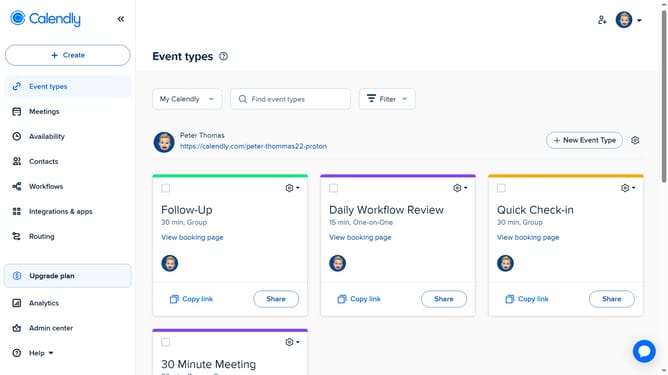
- First click on the profile avatar in the top-right corner of the header to open the user menu
- Next click on the "All settings" option in the dropdown menu
- Then click on "Login preferences" in the left sidebar menu
- Finally in the login preferences page, update your email or password, and enable two-factor authentication if needed
Why should you change your login preferences in Calendly
Calendly is a seamless scheduling tool that simplifies meeting planning by eliminating back-and-forth emails.
Changing your login preferences in Calendly is a flexible option that enhances your account's security and accessibility.
With the ability to adjust these settings, you can ensure your login method aligns perfectly with your security preferences or convenience needs.
This feature not only bolsters your account protection but also optimizes your overall Calendly experience, offering greater control and peace of mind.
Last update