How to access your Calendly settings
Here is how to access your calendly settings
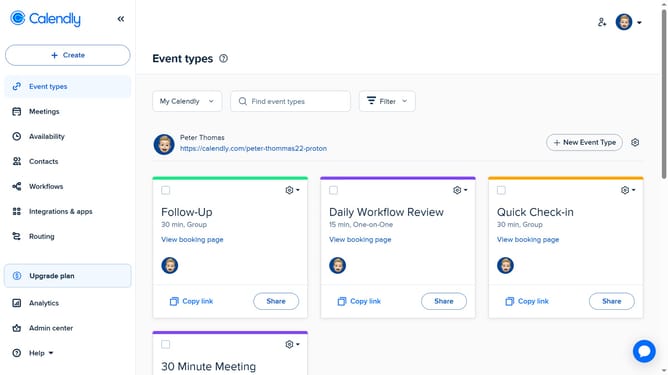
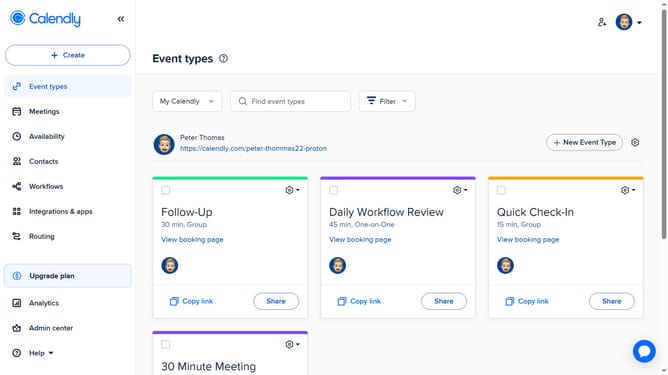
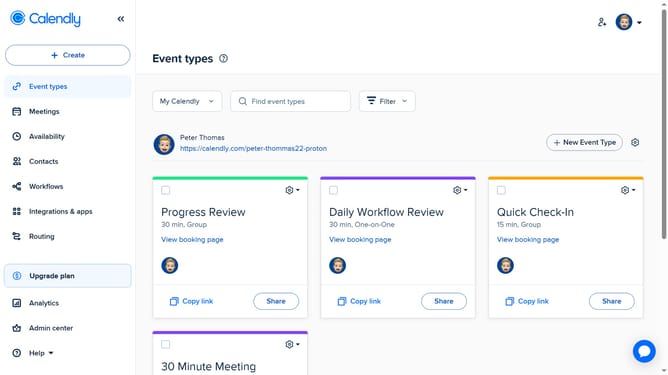
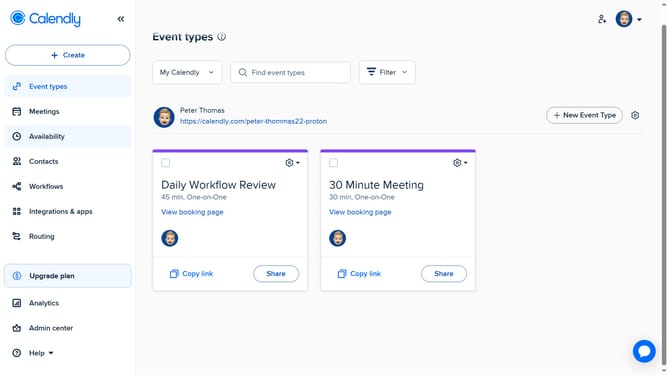
- First click on the profile avatar in the top-right corner of the header to open the user menu
- Then click on the "All settings" option in the dropdown menu
- You’ll be taken to the "Settings" page where you can access and edit various options like Profile, Branding, Login preferences, and more
- Click on any tab in the left-hand menu to manage specific settings
Why should you access your Calendly settings
Calendly is a powerful scheduling tool simplifying the process of setting up meetings and appointments effortlessly.
Accessing your Calendly settings is key to personalizing and optimizing your scheduling experience. By doing so, you unlock a variety of options to tailor your scheduling preferences, making it more aligned with your needs.
These settings help you manage notifications, availability, and integrations seamlessly, ensuring a smoother interaction with clients or colleagues. Customizing these features enhances efficiency and productivity, turning your scheduling into a breeze.
Last update