How to automatically sync changes from your calendar to Calendly
Here is how to automatically sync changes from your calendar to calendly
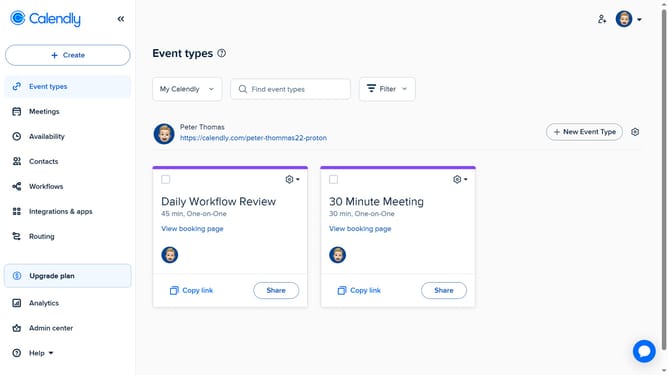
- First click on "Availability" in the left sidebar menu
- Next click on "Calendar settings" tab in the top navigation
- Then locate "Sync settings" section in the Calendar settings
- Finally check the "Automatically sync changes from this calendar to Calendly" option
- The changes to your calendar will now automatically reflect in Calendly, keeping your availability accurate
Why should you automatically sync changes from your calendar to Calendly
Calendly is a streamlined scheduling tool designed to make booking appointments effortless.
Automatically syncing changes from your calendar to Calendly ensures your availability is always up to date, bringing ease and efficiency to your scheduling process.
This feature eliminates the risk of double bookings and last-minute surprises, allowing you to focus more on meaningful interactions rather than administrative tasks.
By maintaining real-time synchronization, you enjoy a seamless, less stressful way to manage your time and appointments effectively.
Last update