How to duplicate an availability schedule in Calendly
Here is how to duplicate an availability schedule in calendly
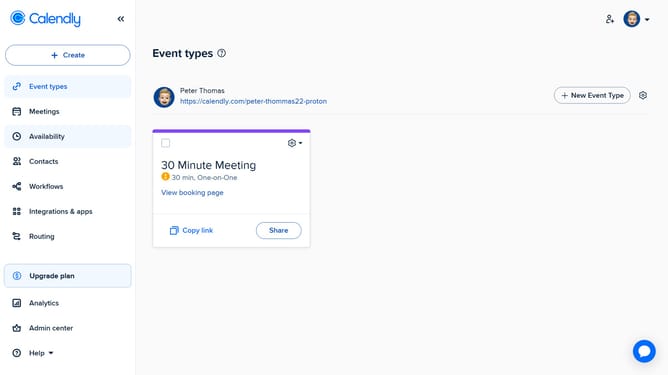
- First navigate to "Availability" in the left sidebar menu
- Next click on the "Schedule" dropdown in the schedule section
- Then select the availability schedule you want to duplicate from the dropdown menu
- In the schedule settings, click on the menu icon (three dots) in the top right corner
- Finally click on "Duplicate" option from the menu dropdown
- You now have a duplicate availability schedule ready to use or customize
Why should you duplicate an availability schedule in Calendly
Calendly is a seamless scheduling platform designed to streamline setting up meetings and appointments effortlessly.
One standout feature of Calendly is the ability to duplicate an availability schedule. This feature allows users to effortlessly replicate existing schedules, ensuring consistency and saving time.
By quickly duplicating a schedule, users can maintain a stable calendar flow, easily adapting to different time zones or projects without having to recreate schedules from scratch.
This not only enhances productivity but also ensures reliable availability management, making your scheduling process smarter and more efficient.
Last update