How to export Routing Form responses in Calendly
Here is how to export routing form responses in calendly
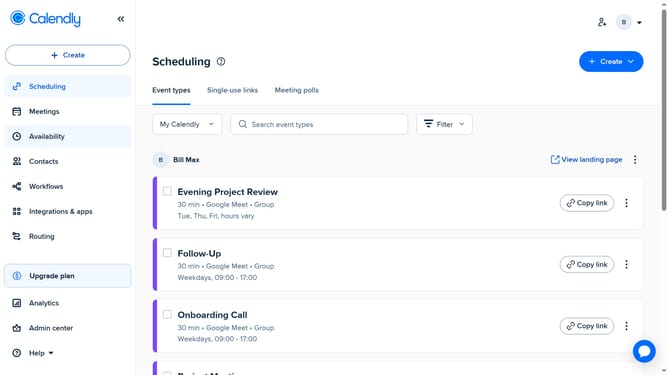
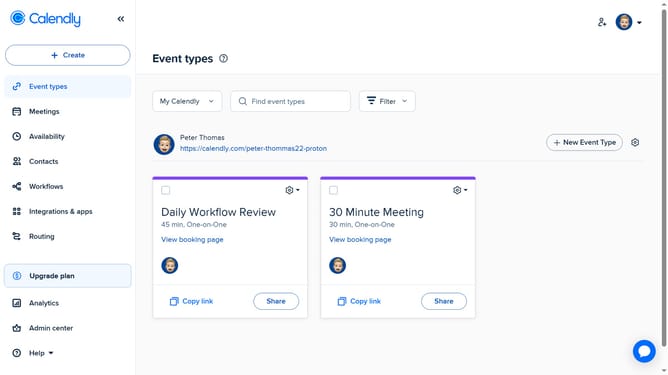
- First navigate to "Routing" in the left sidebar menu
- Locate the routing form whose responses you want to export
- Next click on the options menu (three dots) next to it
- Then click on "Export Results" in the dropdown menu
- Alternatively, click directly the routing form whose responses you want to export
- Then click on the "Responses" tab in the form details view
- Finally click on the "Export CSV" button in the responses section to export the file to your computer
Why should you export Routing Form responses in Calendly
Calendly is a powerful scheduling platform that streamlines appointment setting for individuals and businesses.
Exporting Routing Form responses in Calendly allows users to efficiently manage their data by transferring it into versatile formats for analysis or storage.
This feature enhances productivity by simplifying the process of collecting and organizing important information from scheduled meetings.
Using this exporting capability, users can ensure better decision-making and improve overall workflow management.
Last update