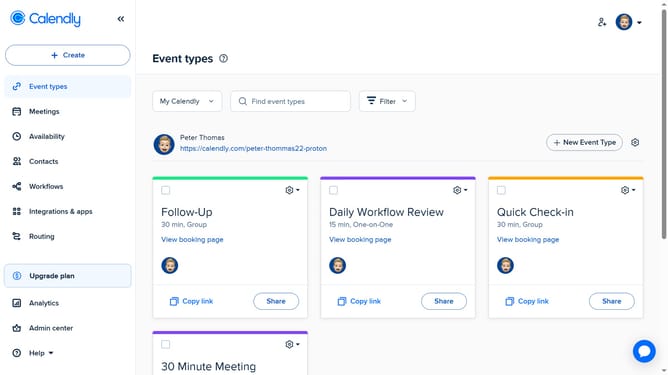
How to add a routing form to your website in Calendly
Here is how to add a routing form to your website in calendly
- First navigate to "Routing" section in the left sidebar menu
- Find the routing form you want to add to your website in the list
- Next click on the "Share" button located in the form row
- Then click on the "Add to website" tab in the sharing dialog
- Choose your embed type from the embedding choices (Inline Embed, Popup Widget, or Popup Text)
- Click the "Continue" button to proceed with the embedding setup
- In the routing page settings, customize the settings as needed (size, colors, text, etc.)
- Finally click the "Copy Code" button to copy the embed code
- Now paste this code into your website’s HTML where you want the form to appear
Why should you add a routing form to your website in Calendly
Calendly is a versatile scheduling platform designed to simplify meeting scheduling for both businesses and individuals.
Integrating a routing form from Calendly into your website can streamline the scheduling process significantly.
This feature benefits by directing your audience efficiently to the appropriate scheduling links based on their input, ensuring better time management and optimizing client interactions.
By utilizing Calendly's routing capabilities, you enhance user experience and thereby improve customer satisfaction and engagement with minimal effort.
Last update