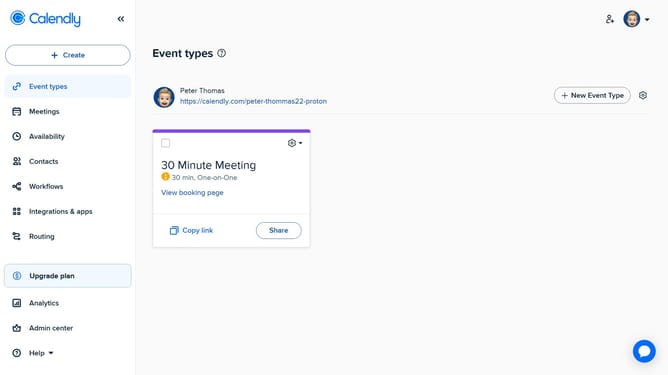
How to select the default calendar for event scheduling in Calendly
Here is how to select the default calendar for event scheduling in calendly
- First click on "Availability" option in the left sidebar menu
- Next click on "Calendar settings" tab in the top navigation menu
- In the Calendar settings, locate the "Calendar to add events to" section
- Then click on the calendar dropdown menu
- Finally select the calendar where you want your Calendly events to be added
- Your selected calendar is now the default for all new events and meetings created via Calendly
Why should you select the default calendar for event scheduling in Calendly
Calendly streamlines scheduling by integrating seamlessly with various calendar applications to simplify event planning.
One standout feature is the ability to select a default calendar for event scheduling, enhancing user organization.
By choosing a default calendar, users can automatically direct all scheduled events to their preferred calendar without manual adjustments.
This feature ensures consistent scheduling, minimizes the risk of conflicts, and enhances overall productivity by providing a clear, centralized view of all commitments.
Last update